

Architecture
Testing
Archipelago provides a complete testing setup out of the box — unit tests, widget tests, golden tests for the UI kit, and integration tests with Patrol (default) or Maestro. The integrationTestFramework option (patrol, maestro or none) and includeIntegrationTest control which integration test files are generated.
Test Structure
apps/your_app/
  test/
    flutter_test_config.dart          # Global unit/widget test config
    architecture/                     # Feature boundary test
    di/                               # Composition-root and DI guard tests
    src/
      ...                             # Unit & widget tests
  integration_test/
    flutter_test_config.dart          # Global integration test config
    integration_test_driver.dart      # Driver for vanilla flutter test
    patrol_config.dart                # Patrol test configuration
    app_test.dart                     # Smoke test — verifies app launches
  pubspec.yaml                        # `patrol:` section: Patrol CLI settings (flavor, ids)
  android/app/src/androidTest/...     # MainActivityTest, Patrol's Android entry point
  ios/RunnerUITests/                  # Patrol's iOS UI testing target
  .maestro/                           # Only with integrationTestFramework: maestro (config.yaml + flows/)
With integrationTestFramework: maestro the integration_test/ folder and Patrol's native setup (androidTest, RunnerUITests) are removed and .maestro/ is kept instead. With none (or includeIntegrationTest: false) none of them are generated.
Unit & Widget Tests
Every package has its own test/ directory. Run all tests across the workspace:
melos run testRun tests for selected packages (melos prompts you to pick them):
melos run test:selectINFO
melos run test runs every package, including *_ui_kit, but skips tests tagged golden (flutter test --exclude-tags golden). Ordinary UI kit tests run; golden tests do not. Run goldens with melos run test:golden (see below).
flutter_test_config.dart
The test/flutter_test_config.dart file is automatically loaded before any test runs. Use it for global setup:
Future<void> testExecutable(FutureOr<void> Function() testMain) async {
  TestWidgetsFlutterBinding.ensureInitialized();
  // Offline: the theme loads Google Fonts, and a runtime fetch hangs
  // pumpAndSettle.
  GoogleFonts.config.allowRuntimeFetching = false;
  await testMain();
}
The generated app and every generated package whose widget tests load the app theme ship this file, with google_fonts as a dev dependency. Without it, a test that renders themed text fetches the font over the network: it passes online and times out in a sandbox or CI without network. A package generated before this existed picks it up with archipelago upgrade <brick>. The app has no generation record, so add the file and the google_fonts dev dependency by hand, and do the same for a package you wrote yourself.
Test the Composition Root
The composition root is initializeInjector(): the one call that bootstrap() makes to build the whole DI container before runApp(). test/di/injector_test.dart runs it under plain flutter test. The test catches DI graph defects on the day they land, for example a type registered twice or an eager module that resolves a type nobody registered.
Several packages do platform I/O while the container builds. For example, app_debugger reads path_provider, and package_info_provider calls PackageInfo.fromPlatform(). Under flutter test no platform channel answers these calls, so the test needs fakes. You do not write the fakes yourself. Each package that does the I/O ships a TestPrerequisite and declares it in its own pubspec.yaml (see test_prereq). monorepo_toolkit generate test-harness collects the declarations of the installed packages into test/support/composition_root_harness.dart:
import '../support/composition_root_harness.dart';

void main() {
  setUpAll(() async {
    await installCompositionRootPrerequisites();
    await initializeInjector();
  });

  tearDownAll(getIt.reset);

  test('a lazySingleton (Log) resolves to one instance', () {
    expect(identical(getIt<Log>(), getIt<Log>()), isTrue);
  });
}
Rules:
- Commit the harness. It is not
build_runneroutput, so nothing regenerates it on checkout. - Bricks keep it current. Every generated app ships the test and the harness. When you install a brick, its hook adds the brick's prerequisite to the harness, the same way it adds the DI module to
injector.dart. - Regenerate it after you add or remove a prerequisite package by hand:
dart run monorepo_toolkit generate test-harness.melos run di:checkrunstest-harness --check, so CI fails on drift. - Never add a fake to the test file. If the test fails with a
MissingPluginException, the package that calls the plugin is missing itsarchipelago: test_prerequisitesentry. Add the entry there, then regenerate. - Never set
getIt.allowReassignment = true. A duplicate registration must fail this test.
A green run proves that the graph builds. It does not prove that the graph is correct: lazy registrations that the test does not resolve are never built. Add project-specific assertions below the generated ones.
DI Guard Tests
The DI rules of feature manifests, lazy SDKs and per-feature containers fail silently when someone breaks them. An eager SDK shows no symptom, and a second port instance shows up only when you add caching. So every generated app and feature ships tests that guard them. None of them lists features by hand.
App tests (apps/your_app/test/):
| Test | Fails when |
|---|---|
architecture/feature_boundary_test.dart | A feature's pubspec.yaml depends on another feature's implementation package (not its _api). A single-package feature (the only package in its features/<name>/ directory, not named _impl or _noop, such as webview_advanced) has no separate implementation, so depending on it is allowed. |
di/lazy_feature_sdk_test.dart | A feature in FeatureSDKRegistry.enabledManifests is an eager FeatureSDK that is not in the _eagerByDesign allowlist, or initializeInjector() builds a *SDKImpl that is not allowlisted (for example a registerLazySingleton changed to registerSingleton). |
di/base_scope_budget_test.dart | The set of instances that initializeInjector() builds differs from test/di/base_scope_budget.txt. |
di/port_singleton_test.dart | A port registered with // di-global: is a factory, or a feature's *_imports.dart builds a type instead of forwarding root<T>(). |
Feature test (features/<name>/<name>_impl/test/di/<name>_di_test.dart): the global module registers the manifest and a lazy SDK; the container cannot resolve a root type it did not import; and the container builds from a fake root that holds only the imported types, resolves every registration, and is empty after the last lease is released. A closable singleton (a Cubit, a Bloc or a StreamController) that the teardown did not close fails the test: register it with dispose:.
Rules:
- Eager allowlist.
_eagerByDesignnames theFeatureSDKs that must exist before the first frame: auth, push notifications, connectivity, shorebird, webview_advanced, home_widget, app_blackbox and the debug tooling. Add a name only with the reason. A feature that can wait gets aFeatureManifestand a lazy port instead. - Boot budget. GetIt cannot list registrations that are not built yet, so the budget records the instances built at boot, by class name. A lazy registration costs nothing at boot and is not in it. A feature global module that registers an extra root type is reported by the
feature_global_module_allowlistlint instead. A new app has no budget file: the first local run writes it, and you commit it. In CI (CIis set), a missing file fails. To accept a change on purpose, runflutter test --update-goldens test/di/base_scope_budget_test.dartand commit the new file. A lazy feature does not change the budget, soarchipelago generate featuredoes not need to refresh it. - Feature fakes. In the feature test, register one fake in the fake root for each type that
<name>_imports.dartforwards. A missing fake fails the test, which is how a missing import shows up.
Integration Tests with Patrol
Patrol provides native-aware integration testing for Flutter. It can interact with system dialogs, permissions, and native UI elements.
Install Patrol CLI
dart pub global activate patrol_cliRun Integration Tests
# Run with melos
melos run integration-test

# Run all integration tests
melos run integration-test:all

# Run directly with Patrol
cd apps/your_app
patrol test --flavor development --target integration_test/app_test.dart
With more than one device attached, melos run integration-test cannot pick one; run the same command with --device <id> (for example --device emulator-5554).
Writing Tests
The generated smoke test starts the real app through bootstrap:
patrolTest('app launches without crash', config: patrolAppConfig, ($) async {
  // bootstrap installs the app's own error handlers; give the test framework
  // its handler back, or a failure never reaches Patrol and the run hangs.
  final onError = FlutterError.onError;
  addTearDown(() => FlutterError.onError = onError);

  // bootstrap calls runApp itself and builds the app after pre-launch, so
  // wait for the app widget instead of pumping a second tree.
  await bootstrap(
    flavor: 'development',
    builder: (result) => AcmeApp(router: result.requireRouter),
  );
  final app = find.byType(AcmeApp);
  for (var i = 0; i < 100 && app.evaluate().isEmpty; i++) {
    await $.pump(const Duration(milliseconds: 100));
  }

  expect(app, findsOneWidget);
  FlutterError.onError = onError;

  // Native dialogs (for example the notification permission prompt):
  // await $.native.grantPermissionWhenInUse();
});
Do not await bootstrap(...) and then pumpWidget the app it built: bootstrap returns before the builder runs.
Configuration
pubspec.yaml, patrol: section. patrol_cli 4.x reads its settings here. The older patrol.toml is not read any more and is no longer generated:
patrol:
  app_name: "Your App [Dev]"
  flavor: development
  test_directory: integration_test
  android:
    package_name: "com.example.your_app.dev"
  ios:
    bundle_id: "com.example.yourApp.dev"
The ids are the flavor's real ids (flavorizr.yaml), because Patrol uses them to uninstall the app after each test. To test another flavor, pass --flavor staging and use that flavor's ids.
Native setup. The bricks generate everything Patrol's native setup asks for:
| Platform | What is generated |
|---|---|
| Android | testInstrumentationRunner "pl.leancode.patrol.PatrolJUnitRunner", clearPackageData, the Android Test Orchestrator in android/app/build.gradle.kts, and android/app/src/androidTest/java/<package>/MainActivityTest.java |
| iOS | A RunnerUITests UI testing target linked to FlutterGeneratedPluginSwiftPackage (Swift 5.0 on every configuration), ios/RunnerUITests/RunnerUITests.m, target 'RunnerUITests' with inherit! :complete inside target 'Runner' in the Podfile, and the target in each scheme's Test action (a post-gen step; it runs after flavorizr, so the flavored schemes and build configurations match) |
The Podfile entry matters for flavored apps: flavorizr's project-level configurations include the CocoaPods xcconfig, so without it the UI-test bundle links the CocoaPods plugins but never embeds them, and fails to load ("Failed to load the test bundle"). A project generated before this change: add the block by hand, set SWIFT_VERSION = 5.0 on the RunnerUITests configurations, and run pod install.
app_scaffold adds RunnerUITests before the app has flavors; dart run monorepo_toolkit flavor generate --app <app> then copies the flavored build configurations onto it (flutter_flavorizr itself only adds them to Runner). If a project's RunnerUITests has only Debug/Release/Profile, run flavor generate --app <app> --force again; otherwise patrol test --flavor fails with "No target application path specified".
Patrol builds iOS tests for a generic simulator, so every Swift package compiles for x86_64 as well. MoEngage's SDK has no x86_64 simulator slice, so with the MoEngage vendor the integration-test scripts set XCODE_XCCONFIG_FILE to ios/Flutter/patrol_simulator.xcconfig, which excludes it.
On iOS, if the project is not yet configured for Swift Package Manager, run a first flutter build ios --config-only, then open the project once and check that RunnerUITests lists FlutterGeneratedPluginSwiftPackage under Frameworks and Libraries.
patrol_config.dart — Shared test config:
const patrolTestConfig = PatrolTestConfig(
  findTimeout: Duration(seconds: 10),
);
Running Without Patrol
For CI environments without Patrol, use the standard Flutter integration test driver:
flutter test integration_test/app_test.dartGolden Tests (Visual Regression)
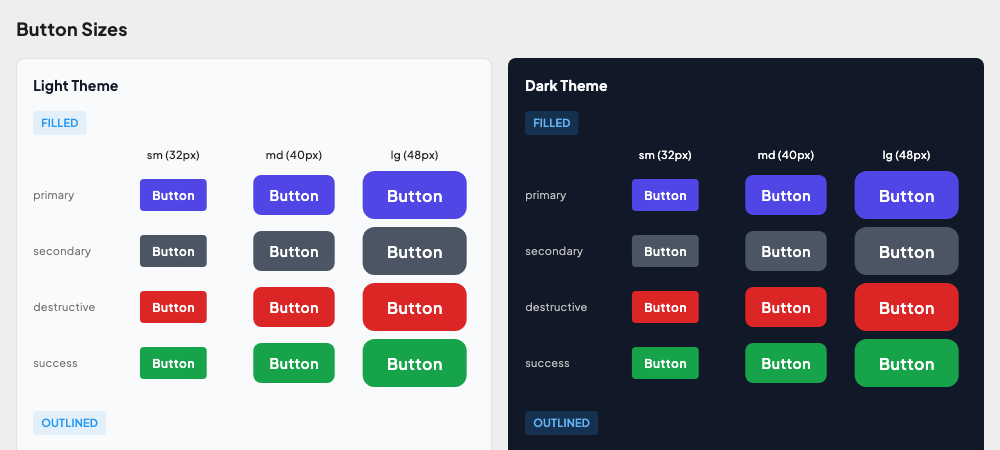
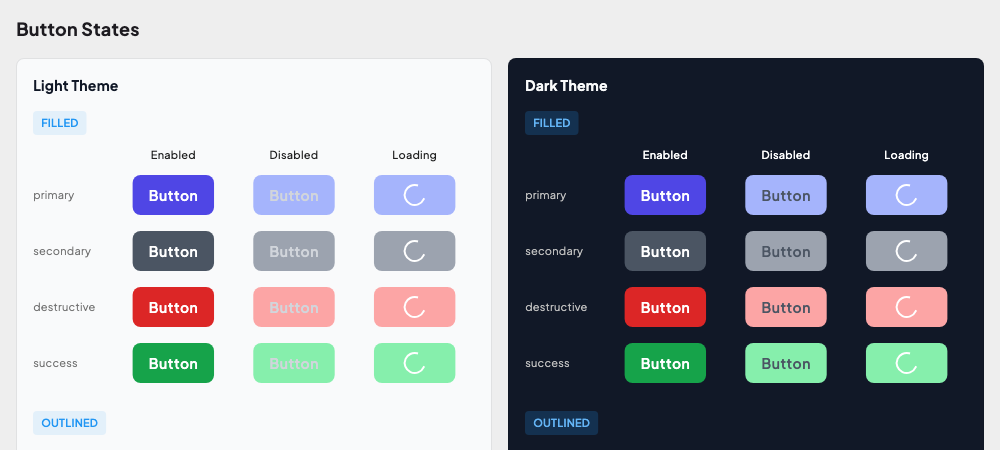
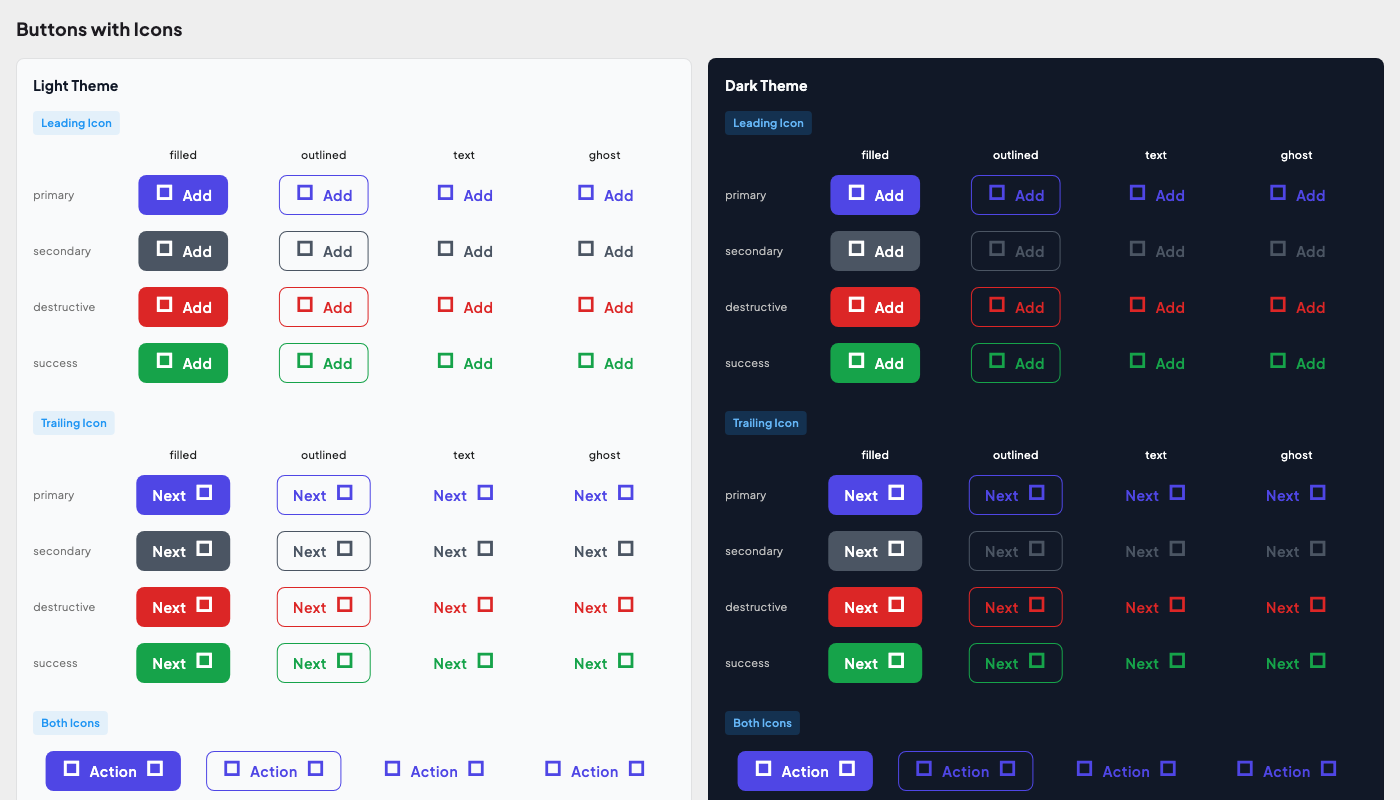
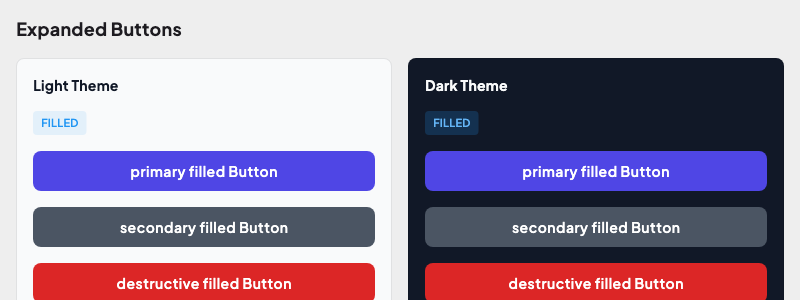
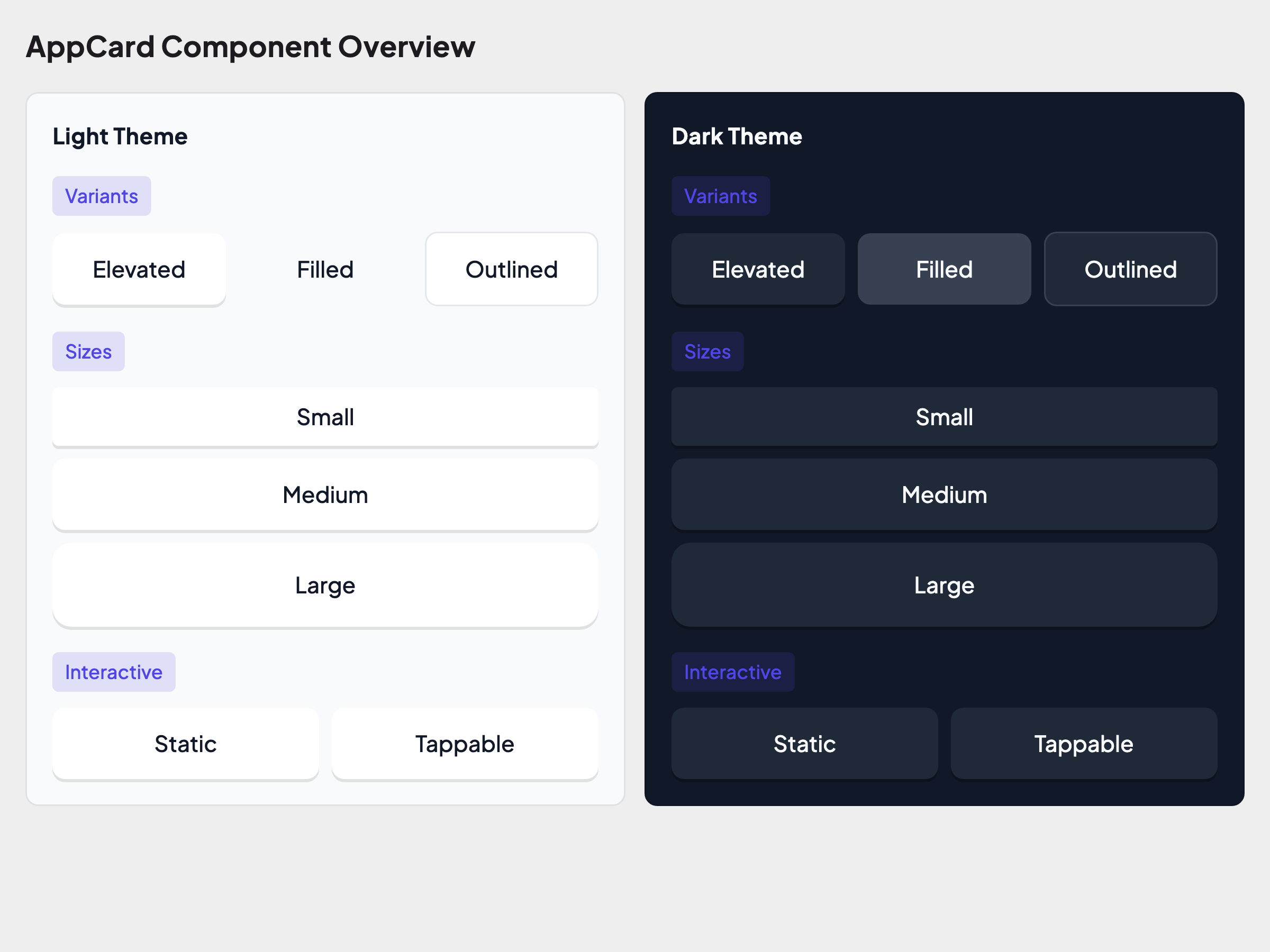
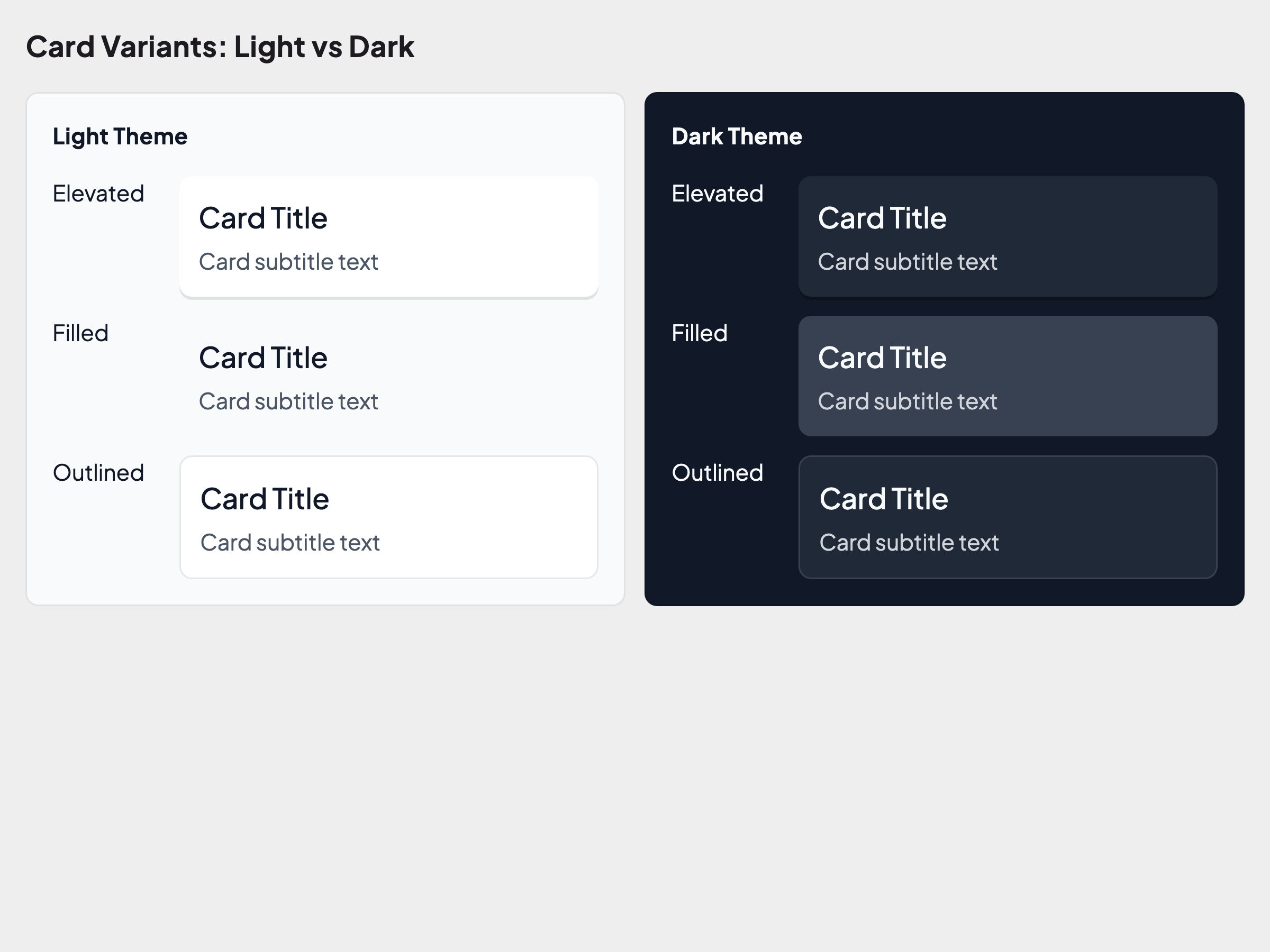
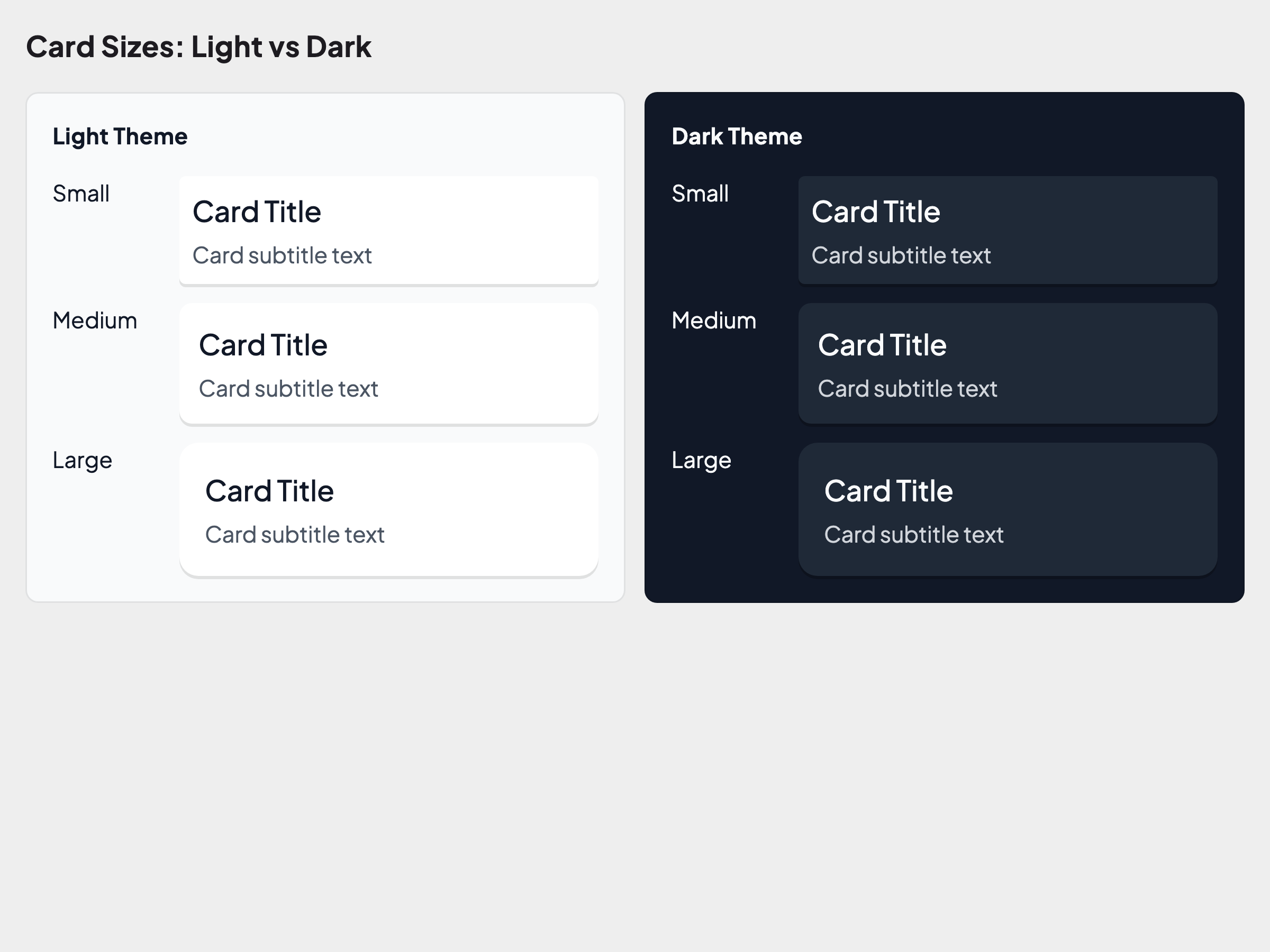
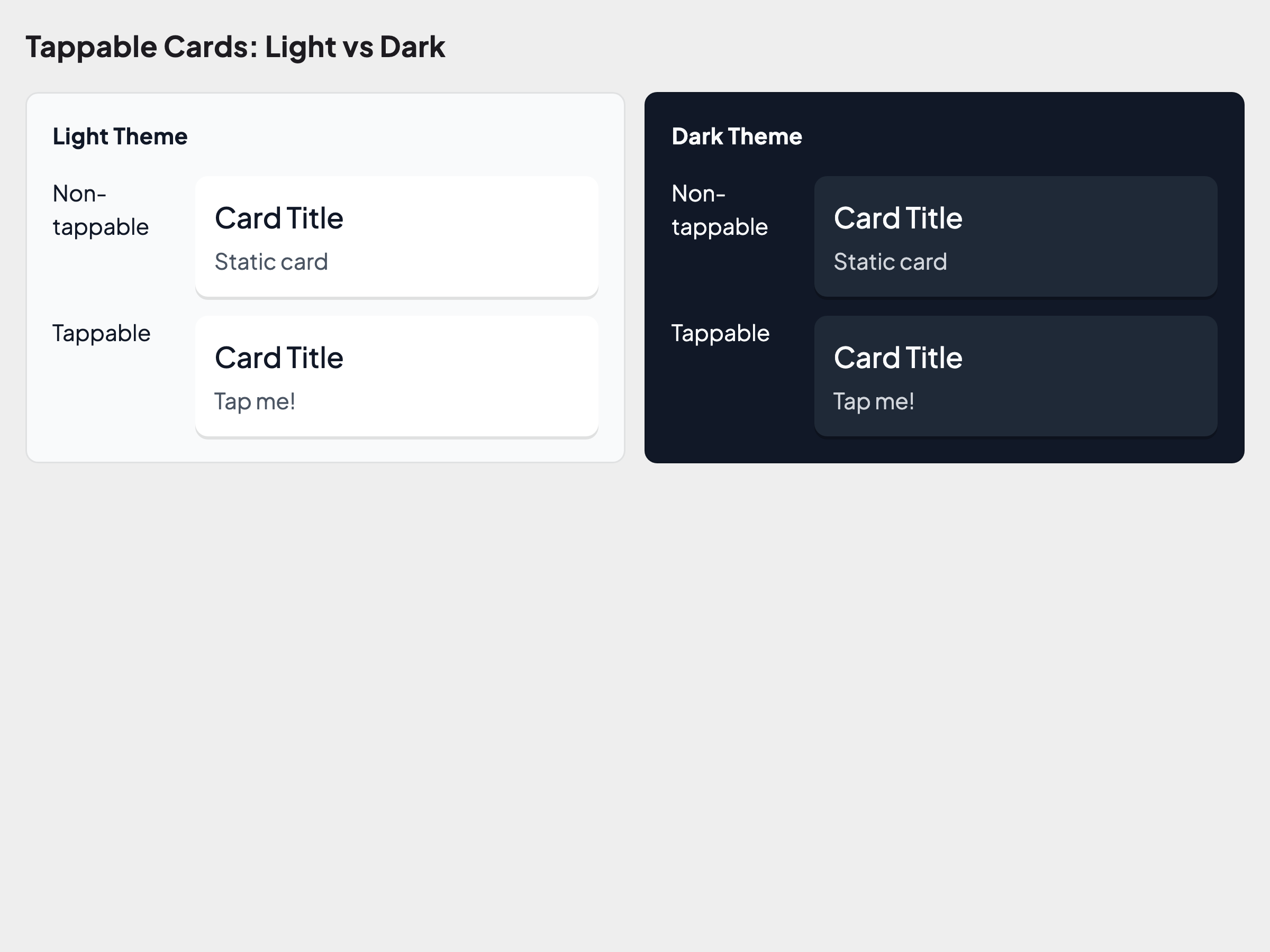
Golden tests validate your design system tokens visually. Archipelago uses Alchemist for golden testing — it renders widgets into images and compares them against baseline snapshots.
What's Tested
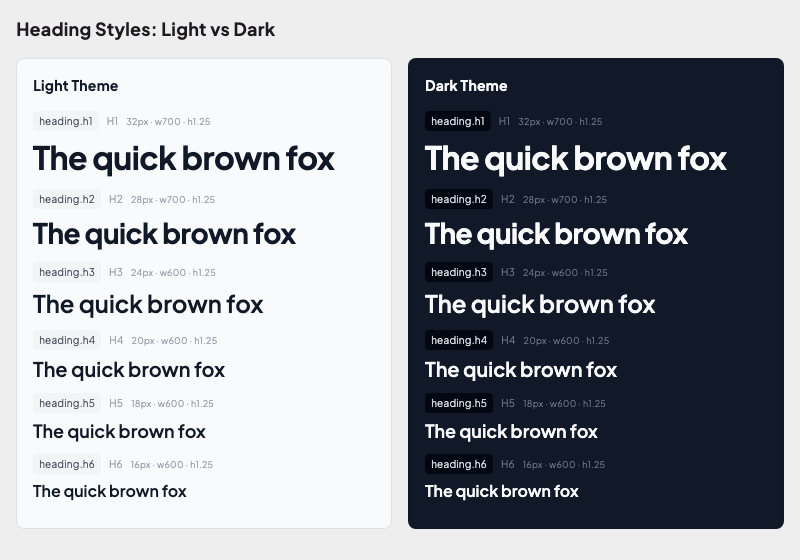
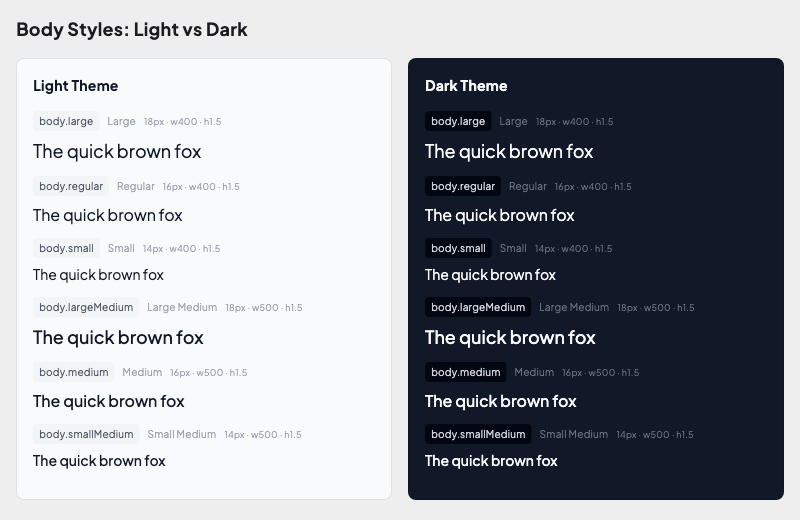
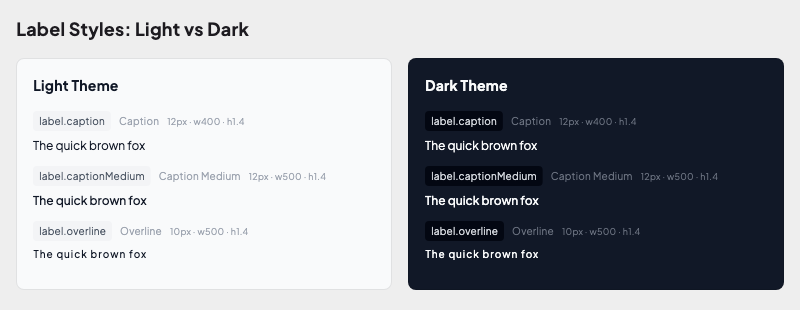
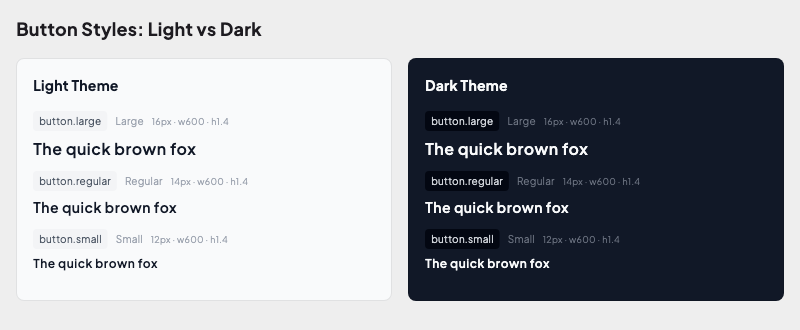
The UI kit includes golden tests for all design tokens:
| Foundation | What it validates |
|---|---|
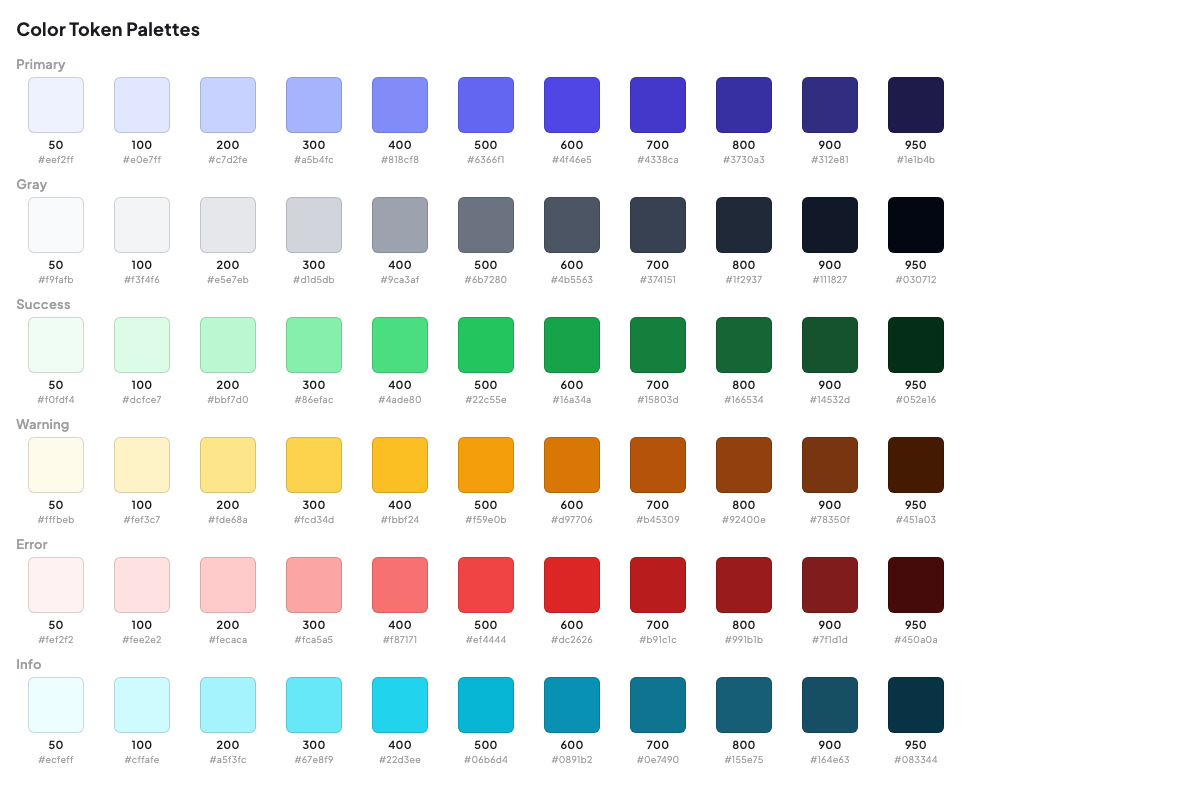
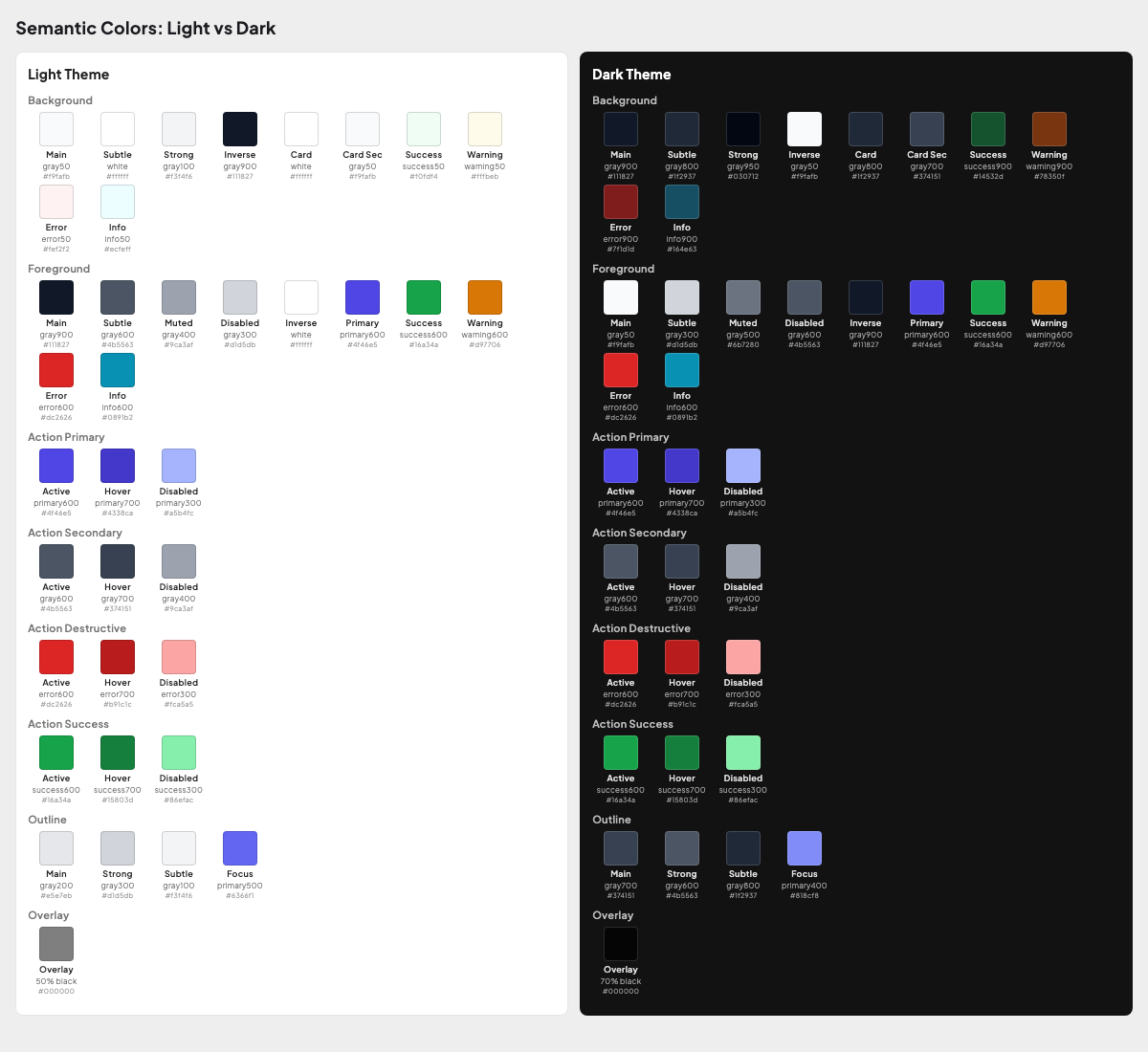
| Colors | Background, foreground, action, outline colors in light & dark themes |
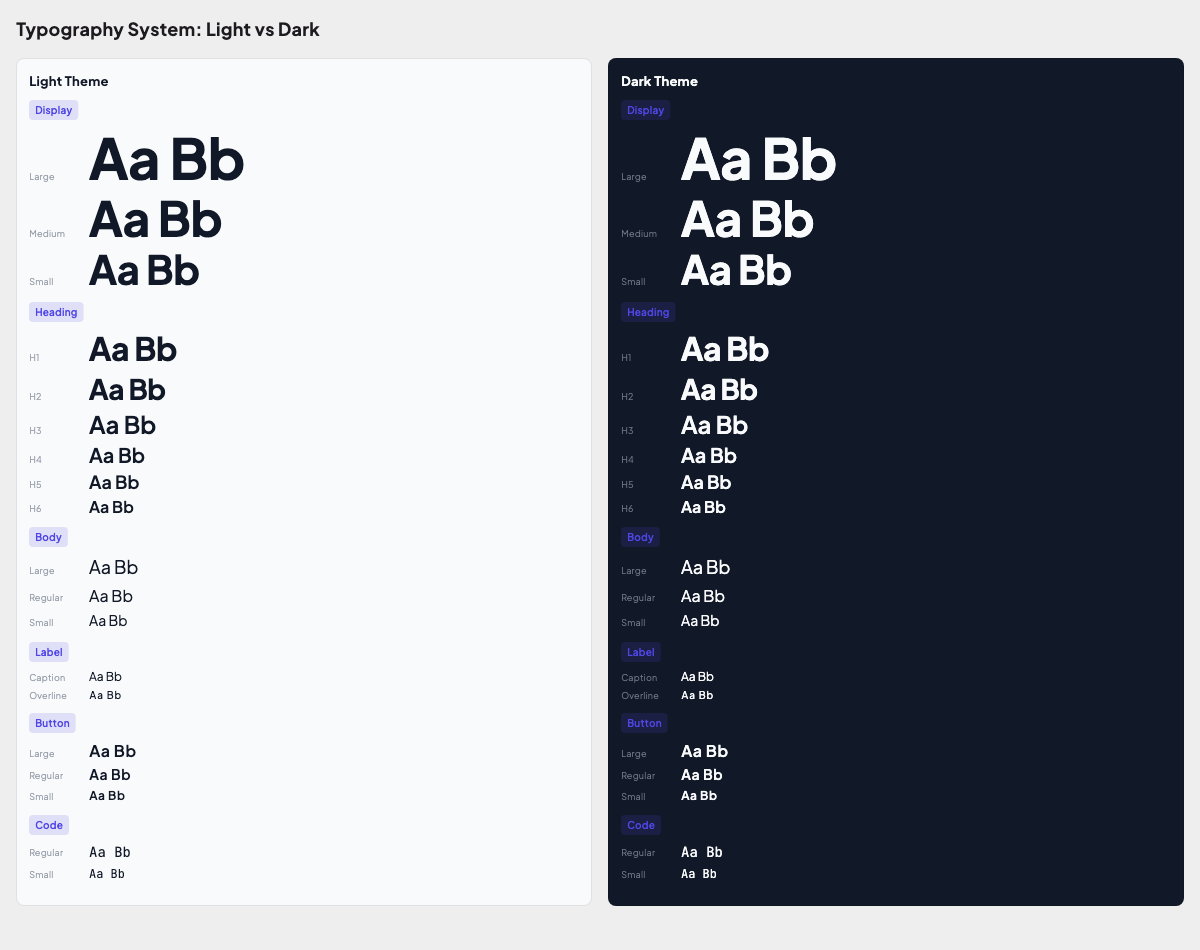
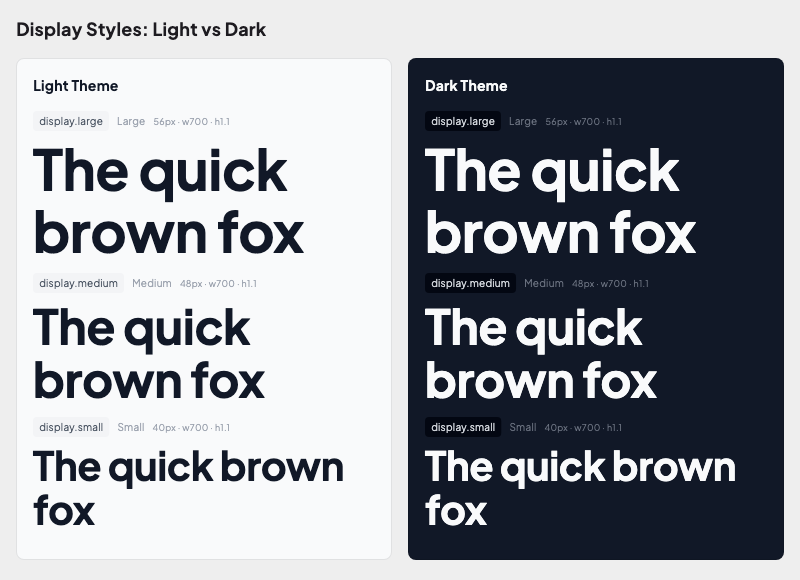
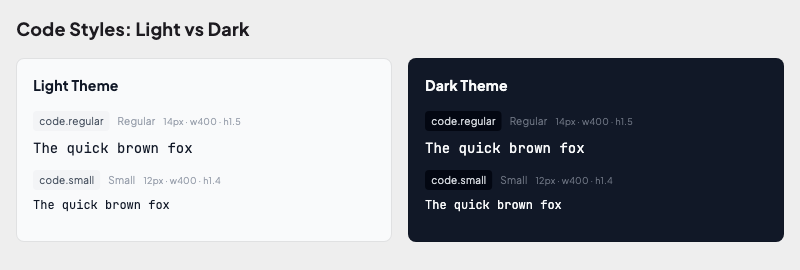
| Typography | Display, heading, body, label, code styles in both themes |
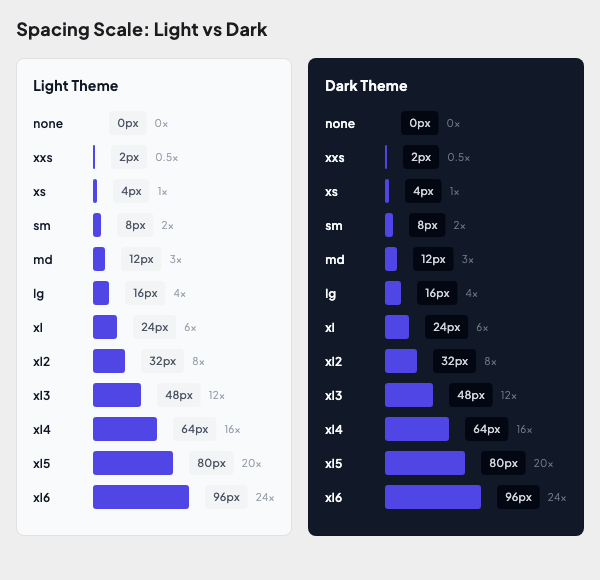
| Spacing | 12-step spacing scale (none → xl6) as sized bars |
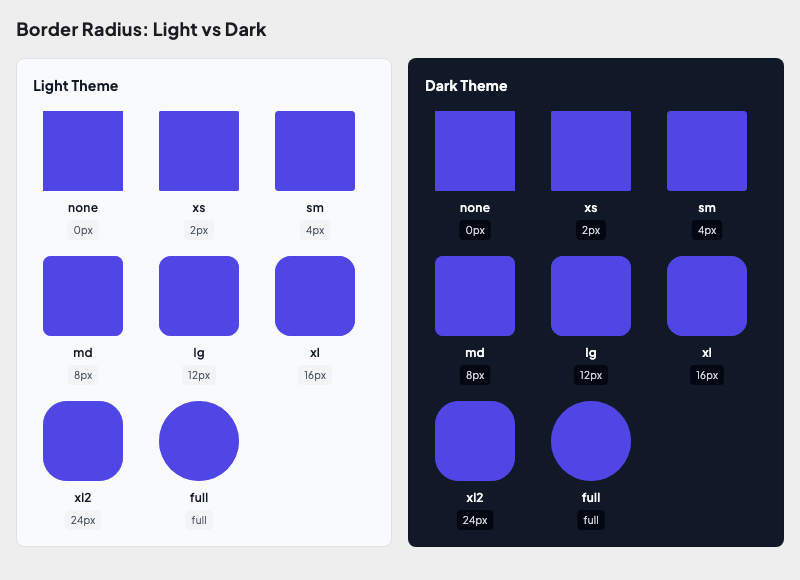
| Radius | All 8 radius tokens applied to containers |
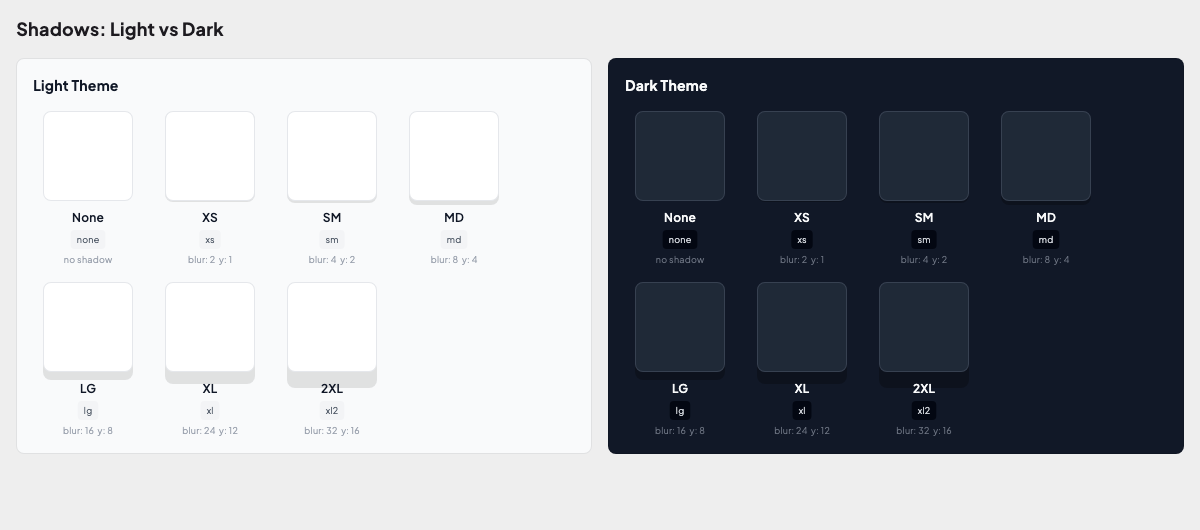
| Shadows | Shadow tokens comparison |
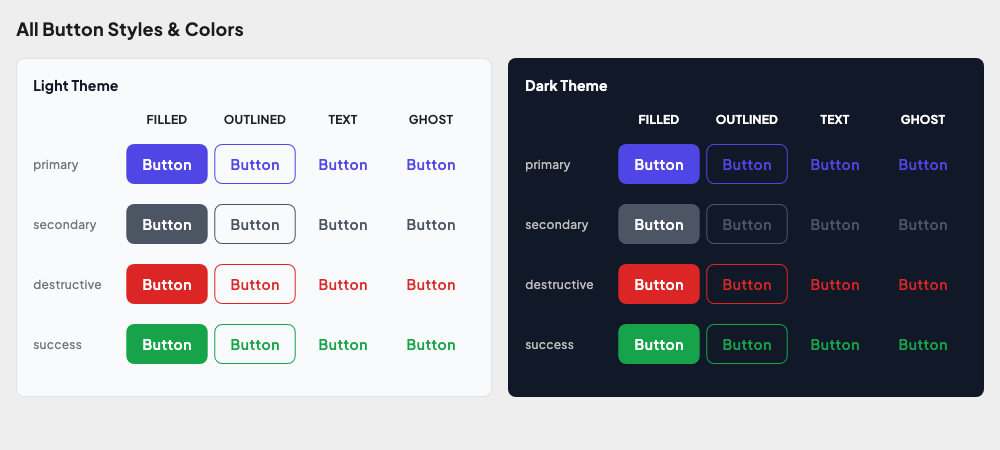
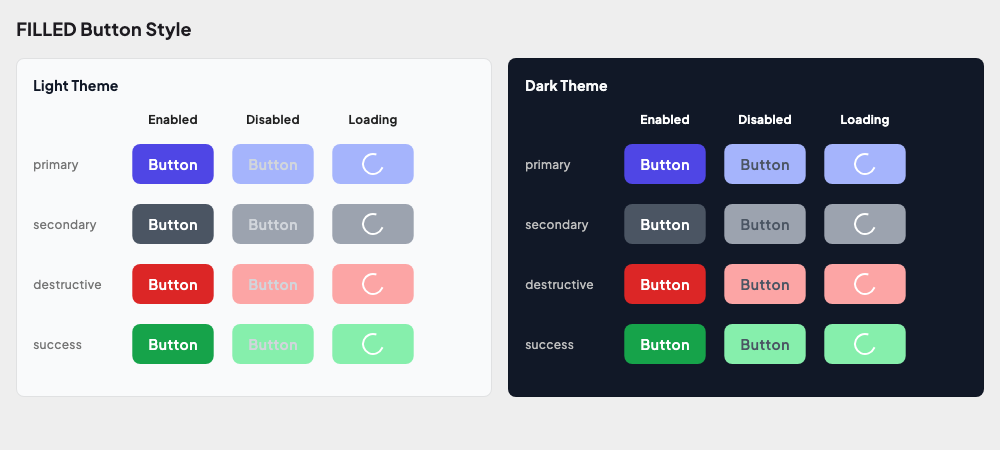
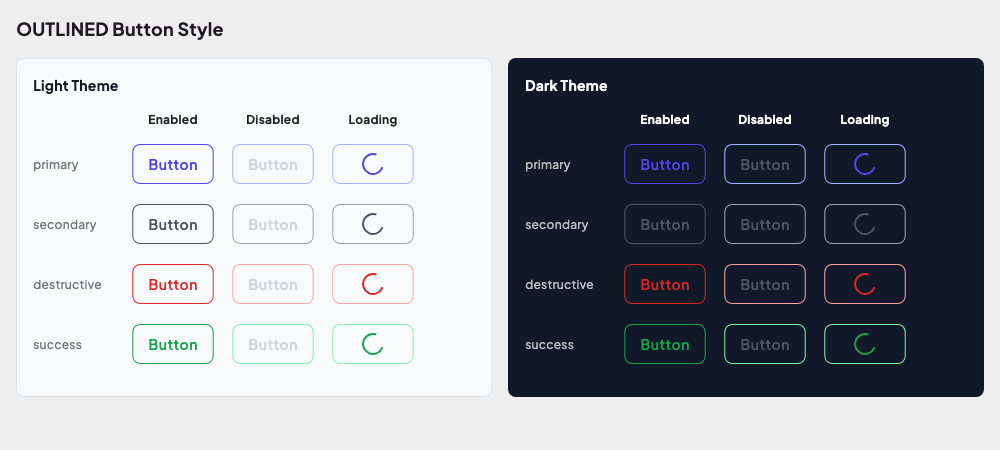
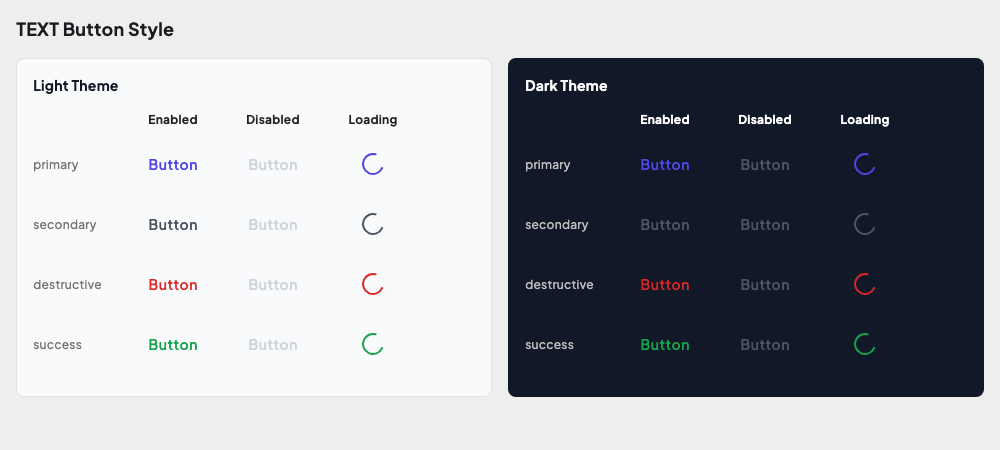
| Buttons | All styles, sizes, states, icons across themes |
| Cards | Variants, sizes, interactive states |
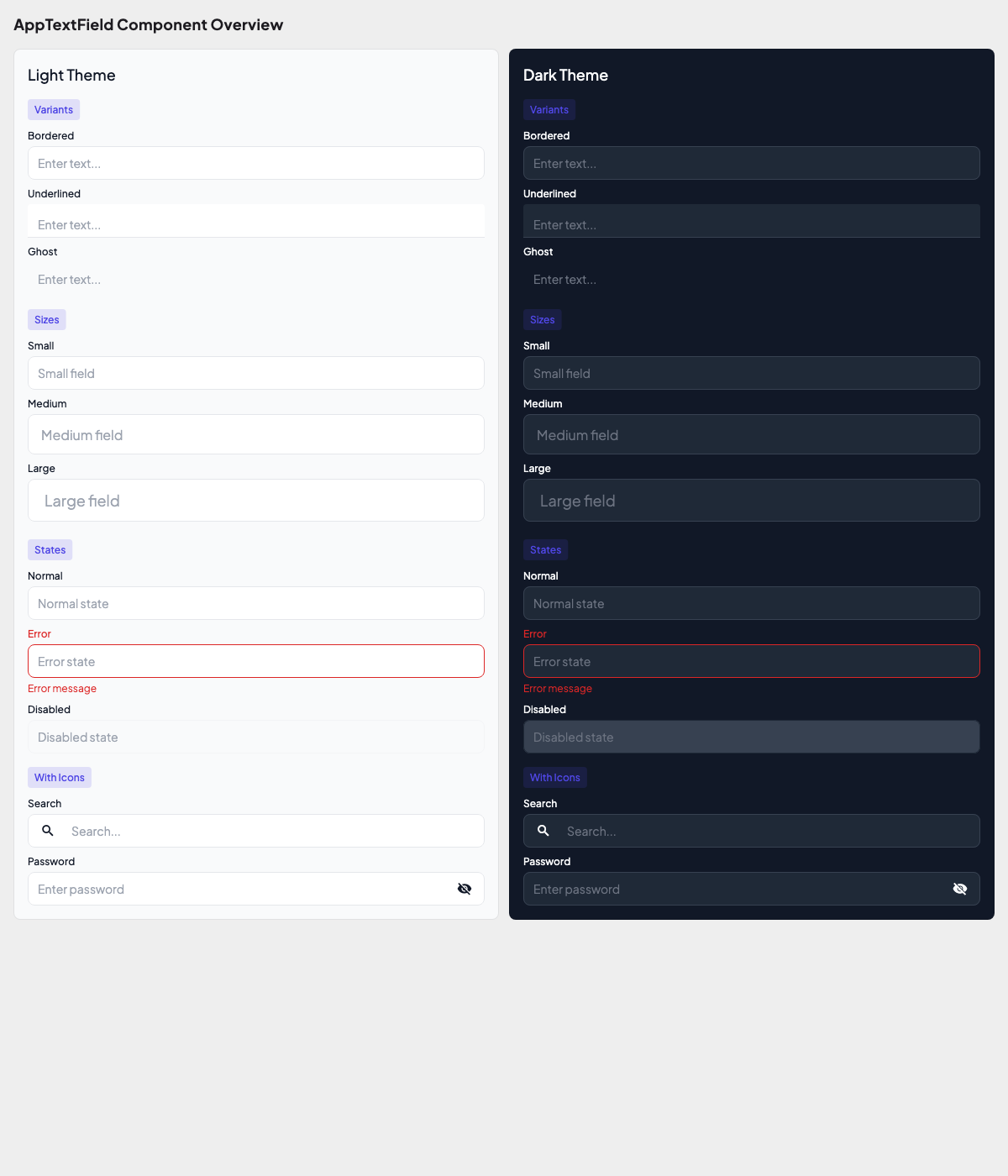
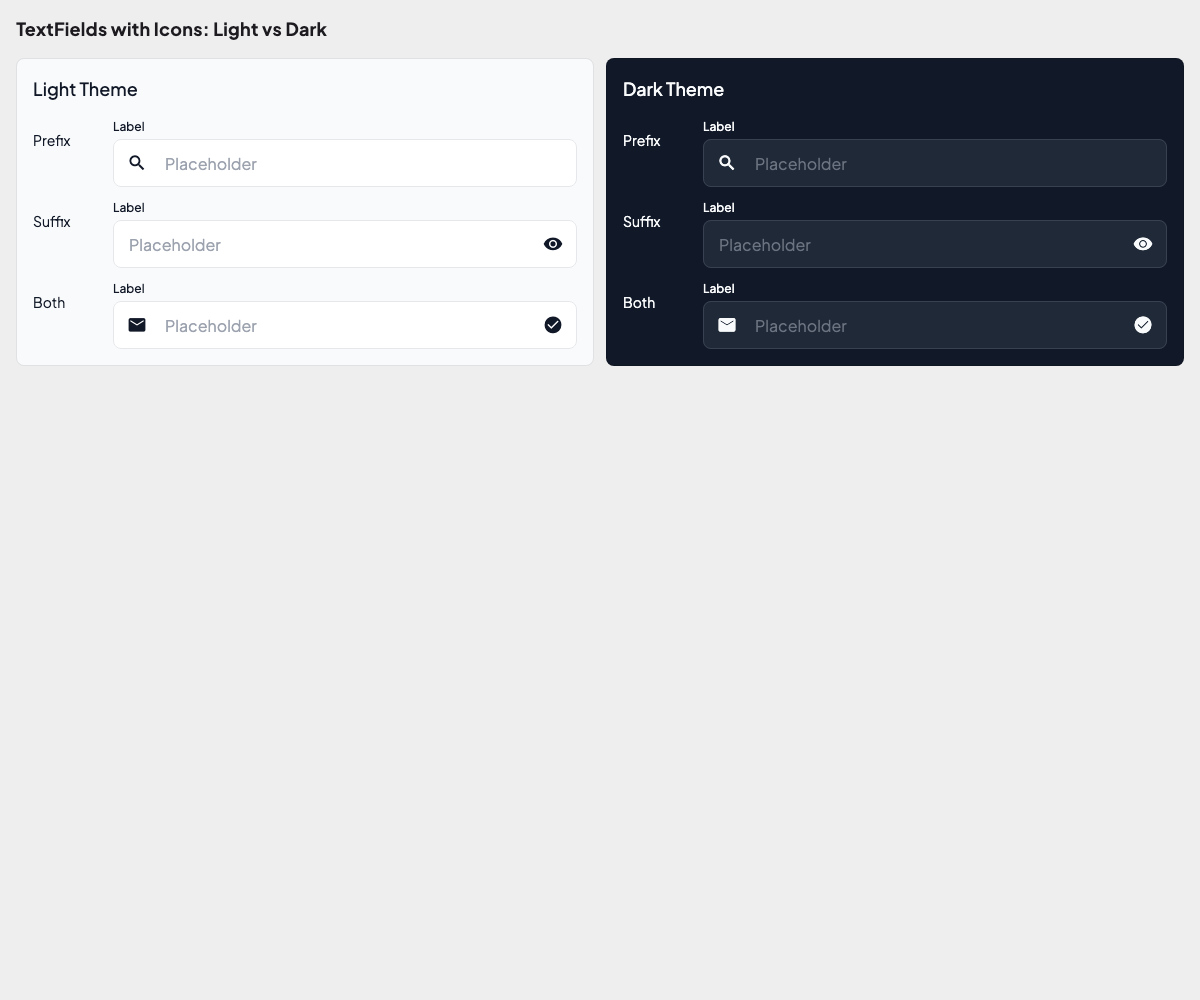
| Text Fields | States, sizes, icons, variants |
Sample Golden Output
Foundations
Color Tokens:
Semantic Colors (Light vs Dark):
Typography:
Individual Typography Categories
Display
Heading
Body
Label
Button
Code
Spacing Scale:
Radius Scale:
Shadows:
Components
Button Styles:
More Button Goldens
Filled Style
Outlined Style
Text Style
Sizes
States
With Icons
Expanded
Card Overview:
More Card Goldens
Variants
Sizes
Interactive
Text Fields:
More TextField Goldens
Variants
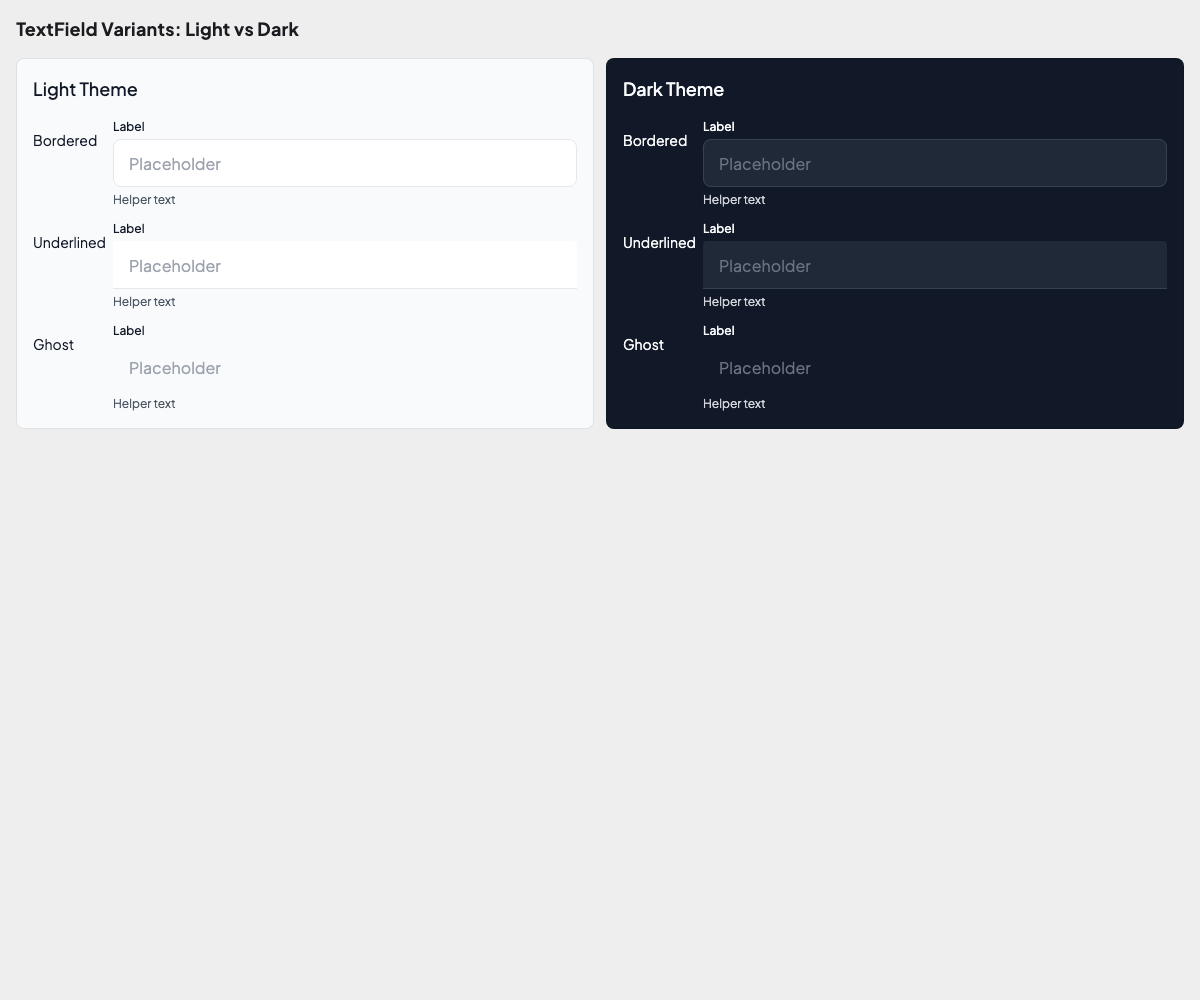
Sizes
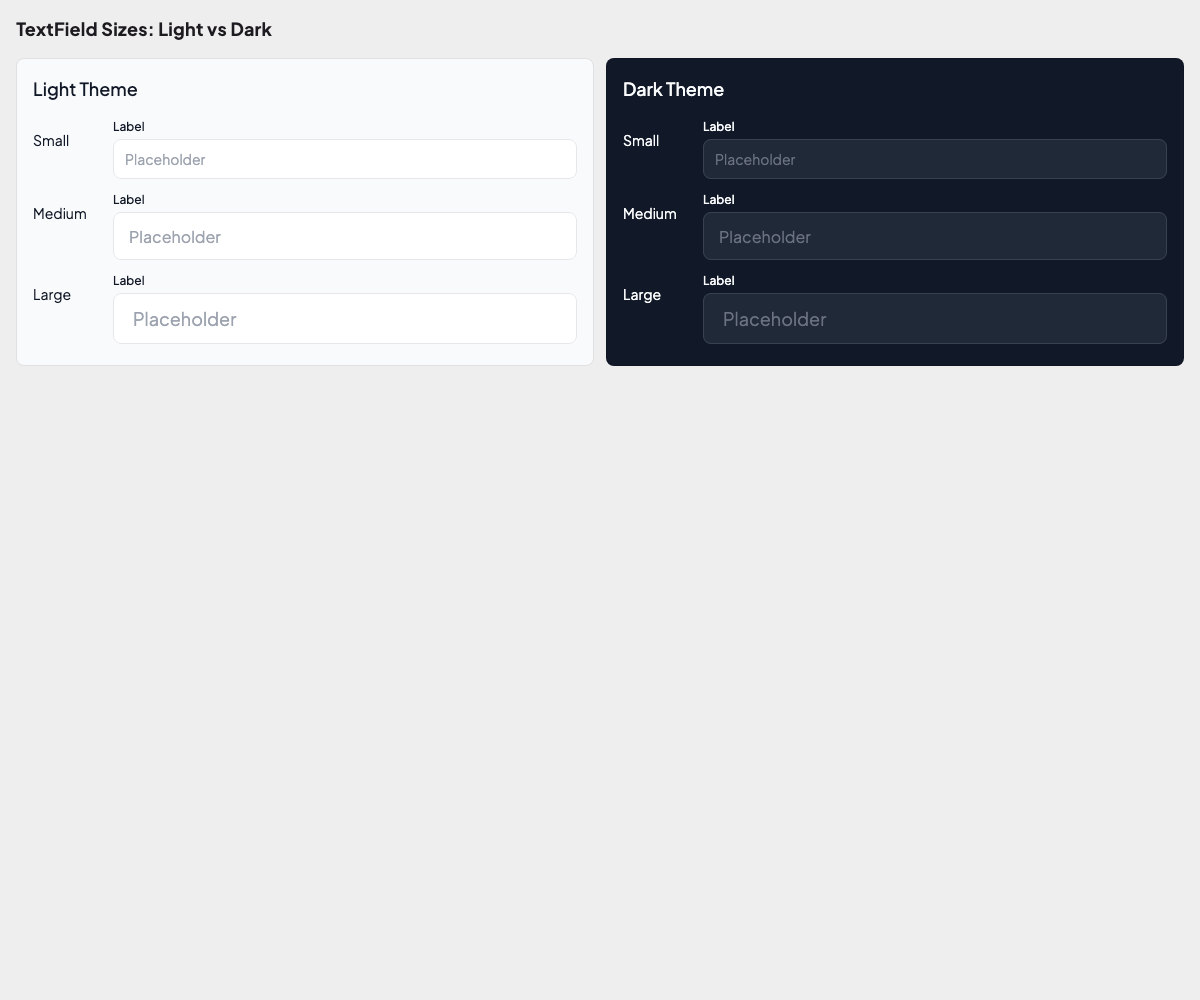
States
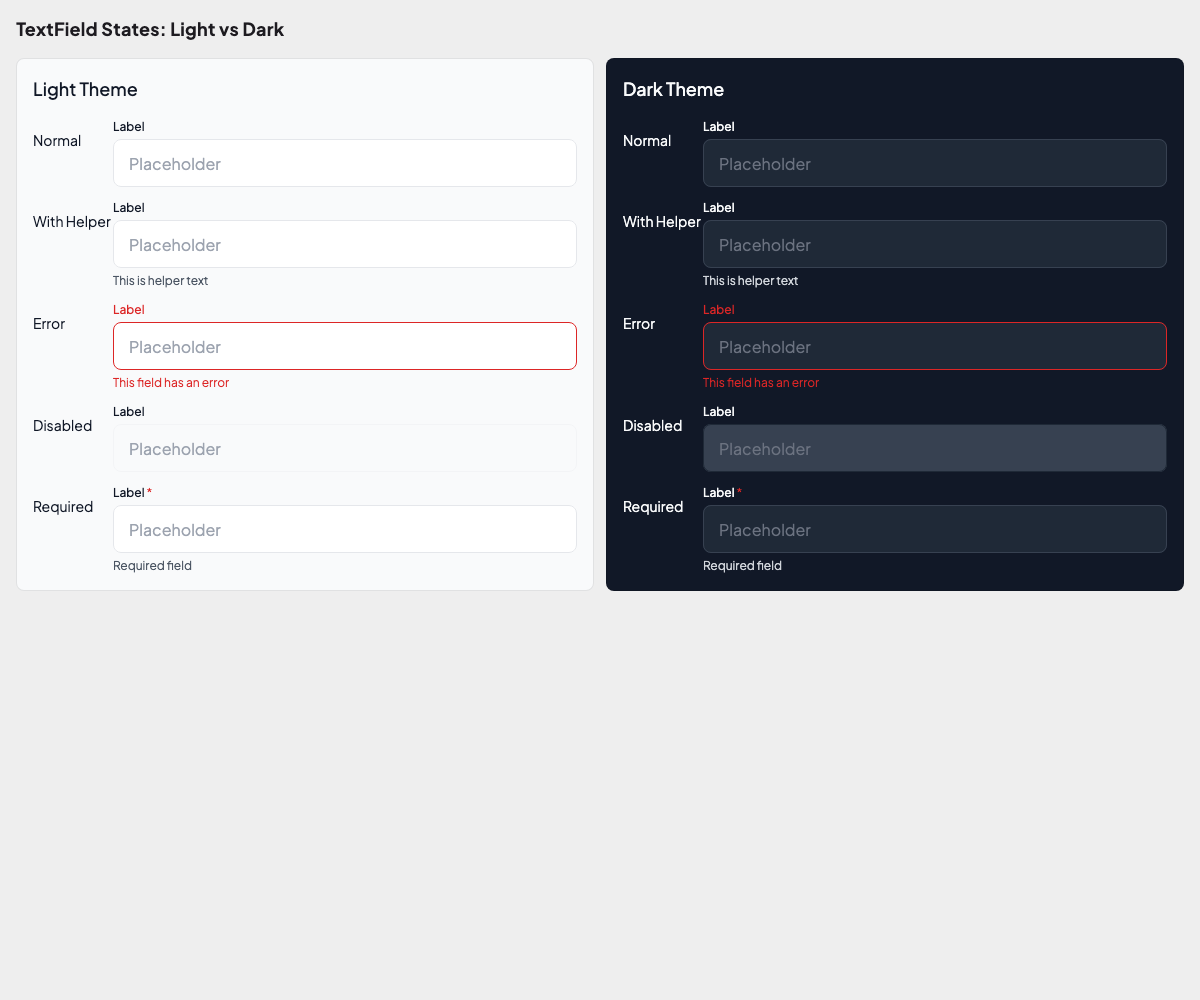
Icons
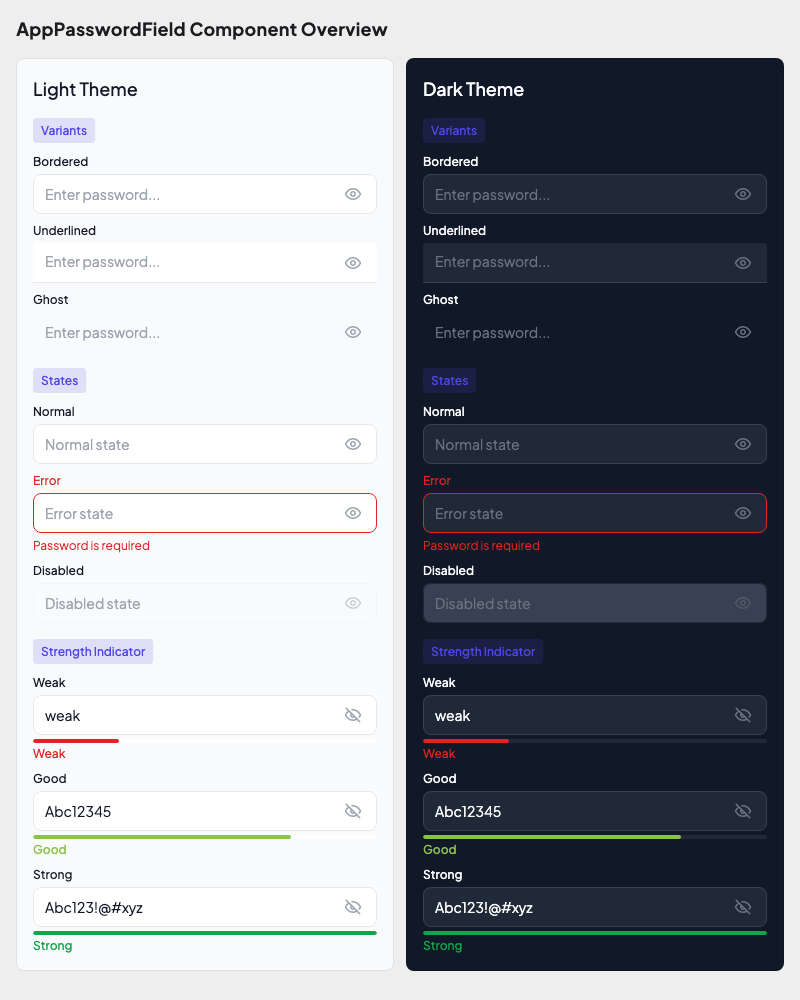
Password Fields:
More Password Field Goldens
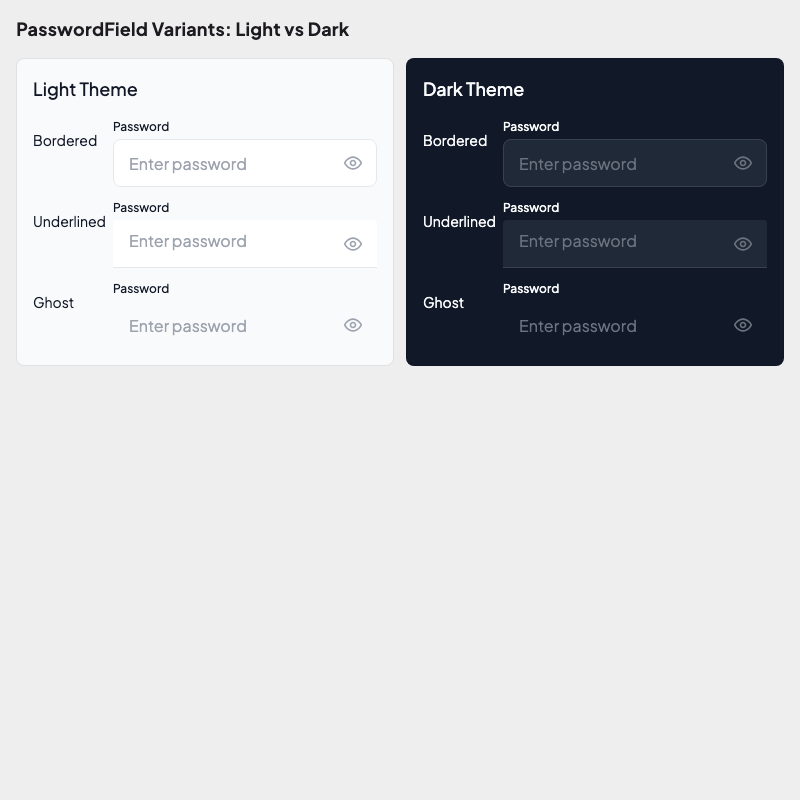
Variants
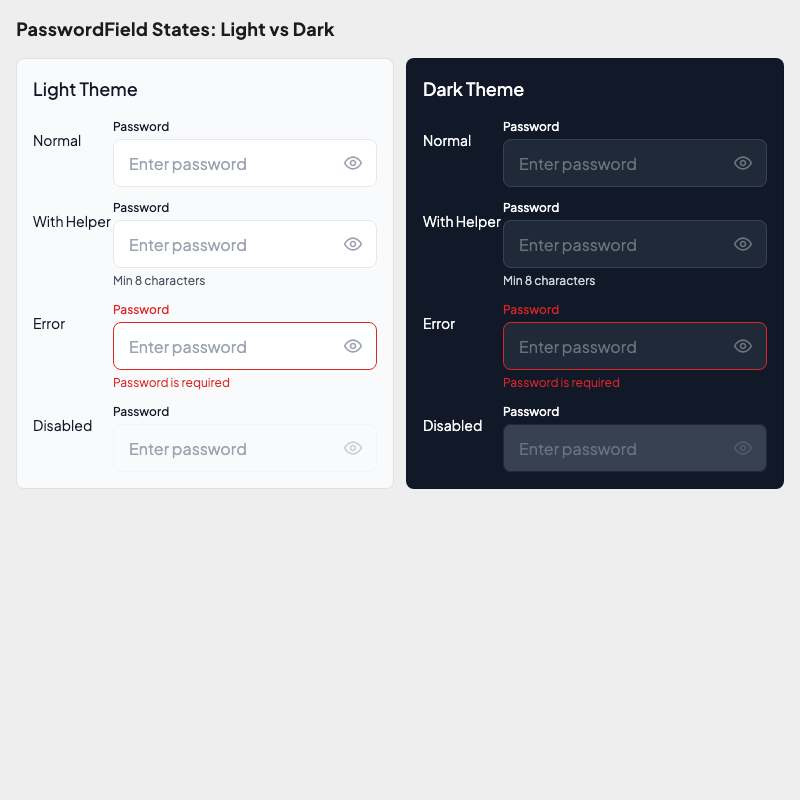
States
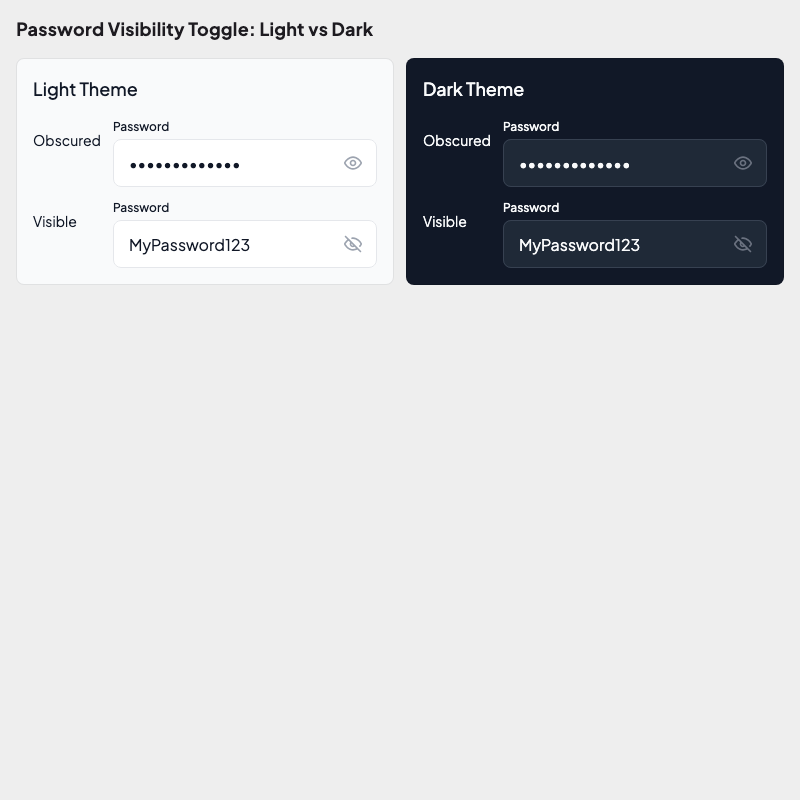
Visibility Toggle
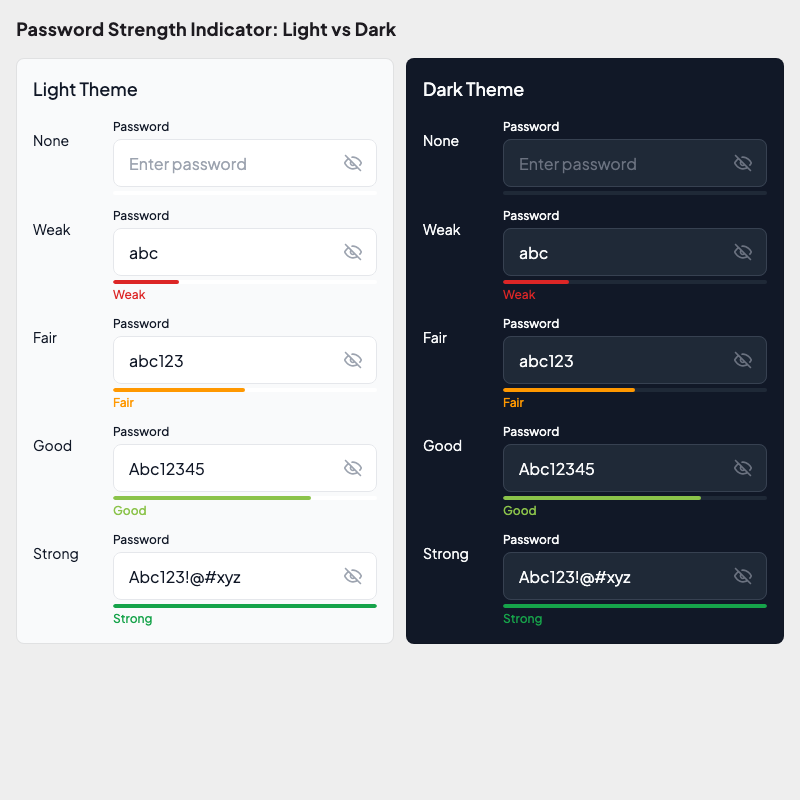
Strength Indicator
Running Golden Tests
Verify against the committed baselines (read-only, runs on all *_ui_kit packages):
melos run test:goldenGenerate or update baseline images (first time, or after intentional changes) from inside the UI kit package:
cd packages/your_app_ui_kit
flutter test --tags golden --update-goldens
Golden tests are opt-in and excluded from melos run test by the golden tag, not by package name. A UI kit package can mix golden and ordinary tests, and only the golden ones are skipped. GoldenTestHelper adds the tag to every golden it creates. Tag your own goldenTest(...) calls with tags: ['golden']; an untagged golden runs in the default gate.
If a package has only golden tests, flutter test --exclude-tags golden finds nothing to run and exits with code 79. The test:select and coverage:run:parallel scripts treat 79 as success. Any other exit code still fails the run.
The reason for the exclusion: pixel fixtures depend on the Skia engine, fonts and OS they were captured on. Regenerate them on the machine or CI image you gate on. affected golden (Enterprise) runs the same suite on affected packages only.
Writing a Golden Test
import 'package:alchemist/alchemist.dart';
import 'package:flutter/material.dart';

import '../../util/app_test_wrapper.dart';

void main() {
  goldenTest(
    'button renders correctly',
    fileName: 'components/button_variants',
    builder: () => GoldenTestGroup(
      scenarioConstraints: BoxConstraints(maxWidth: 300),
      children: [
        GoldenTestScenario(
          name: 'primary filled',
          child: buildTestWrapper(
            child: AppButton(
              label: 'Submit',
              variant: ButtonVariant.primary,
            ),
          ),
        ),
        GoldenTestScenario(
          name: 'primary outlined',
          child: buildTestWrapper(
            child: AppButton(
              label: 'Cancel',
              variant: ButtonVariant.primary,
              type: ButtonType.outlined,
            ),
          ),
        ),
      ],
    ),
    tags: ['golden'],
  );
}
Test Wrapper
Use buildTestWrapper() to wrap widgets with the correct theme:
Widget buildTestWrapper({
  required Widget child,
  bool isDark = false,
}) {
  return MaterialApp(
    theme: isDark ? AppTheme.dark() : AppTheme.light(),
    home: Scaffold(body: child),
  );
}
CI Considerations
Alchemist renders text as colored blocks in CI mode to avoid cross-platform font differences. This means golden files generated on macOS will also pass on Linux CI runners.
Golden File Structure
packages/your_app_ui_kit/
  dart_test.yaml                    # Declares the golden tags
  test/
    flutter_test_config.dart
    golden_test_helper.dart
    fonts/                          # Bundled fonts so goldens render the same everywhere
    helpers/
      golden_test_helpers.dart
    foundations/
      colors/                       # Foreground and outline color tests
      themes/                       # Color, contrast, radius, shadow, spacing, typography goldens
    components/
      atoms/inputs/                 # Component tests (e.g. pin input)
    util/
      app_component_test_wrapper.dart
Coverage
Run tests with coverage and check thresholds:
melos run coverage:fullThis runs the full pipeline: collect → combine → check thresholds.
See Test Coverage for detailed configuration.
Main App vs Widgetbook
| Main App | Widgetbook | |
|---|---|---|
| Purpose | Production application | UI component catalog & preview |
| Platforms | Android, iOS | Android, iOS, web, macOS, Linux, Windows |
| Has integration tests | Yes (Patrol) | No |
| Has unit tests | Yes | Minimal (snapshot tests) |
| Has CMake | No (mobile only) | Yes (desktop support for previewing) |
| Entry point | main_<flavor>.dart | main.dart |
| DI | Full GetIt setup | Minimal (just UI components) |
Why Widgetbook Has Desktop Support
The widgetbook app is initialized with Android, iOS, web, macOS, Linux and Windows platform folders so designers and developers can preview components on desktop without needing a mobile emulator. This is purely for development convenience — the production app remains mobile-only.
CMake Files
Desktop CMake files are located at:
apps/your_app_widgetbook/
  linux/
    CMakeLists.txt              # Linux build config
    flutter/CMakeLists.txt      # Flutter plugin loader
  windows/
    CMakeLists.txt              # Windows build config
    flutter/CMakeLists.txt      # Flutter plugin loader
These follow the standard Flutter desktop CMake structure and are created by flutter create during generation.