

AI Agents
Brand assets skill Pro
Pro and Enterprise projects get the brand-assets agent skill with the asset_optimizer brick. An AI agent uses it to draw brand art as code, check its own output in rendered previews, and wire the result into the app.
Everything on this page was made with the skill's own scripts, on the Archipelago brand (indigo #6366F1, Plus Jakarta Sans). Your project uses its own palette from design/brand/brand.json.
One-time setup
From the workspace root:
pip install -r .claude/skills/brand-assets/scripts/requirements.txt   # python-lottie, rlottie-python, Pillow, numpy
npm install --prefix .claude/skills/brand-assets/scripts             # @dotlottie/dotlottie-js (LottieFiles)
brew install librsvg                                                 # rsvg-convert (apt: librsvg2-bin)
mkdir -p design/brand && cp .claude/skills/brand-assets/scripts/brand.example.json design/brand/brand.json
brand.json names each color the art may use (a slot, such as brand.primary) with a light and a dark value, taken from the UI kit's color tokens. The scripts refuse a fill or stroke that is not a slot, so every asset has a correct dark variant.
An SVG icon
A 24 px stroke icon in currentColor, so the app tints it:

The agent renders it at the sizes it must work at and looks at the result before it reports:
python3 .claude/skills/brand-assets/scripts/preview.py design/icons/islands.svg --sizes 20,24,48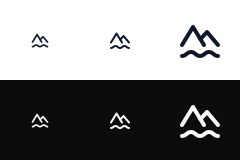
The first draft had a four-wave water line. At 20 px it merged into a flat bar, so the agent cut it to two wider waves and rendered again.
A festive app icon
A festive variant dresses the mark and never redraws it: the silhouette and the color stay, and the change covers well under a third of the area. Here, three New Year sparks on the app icon:
| Normal | New Year |
|---|---|
 | 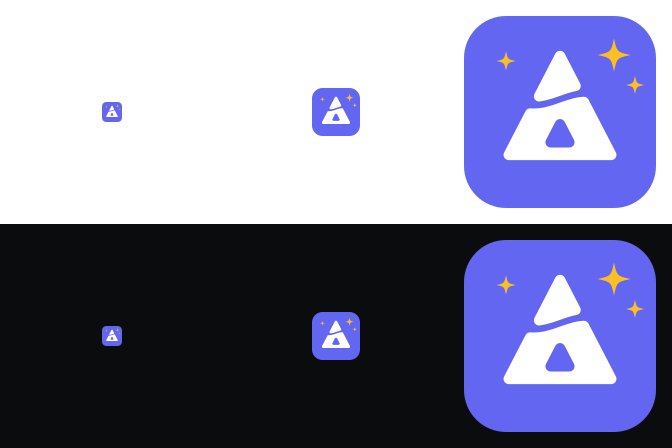 |
python3 .claude/skills/brand-assets/scripts/preview.py design/brand/festive/new-year/logo-icon.svg --sizes 20,48,192The app icon and splash are compiled into the app, so the skill exports the PNGs and regenerates them per flavor:
cd apps/<app>
rsvg-convert -w 1024 -h 1024 -a ../../design/brand/festive/new-year/logo-icon.svg -o launcher/logo.png
dart run flutter_launcher_icons -f flutter_launcher_icons-production.yaml
dart run flutter_native_splash:create
Download logo-icon-new-year.svg

A Lottie animation, as .json and as .lottie
The logo builds in once: each piece of the mark settles into place from above, the base first, then the peak. The script animates the real mark, parsed from its SVG, instead of a redrawn copy:
python3 .claude/skills/brand-assets/scripts/examples/logo_reveal.py design/brand/mark.svg design/motion/out
# wrote design/motion/out/mark_reveal.json (4750 bytes)
# wrote design/motion/out/mark_reveal_dark.json (4752 bytes)| Light | Dark |
|---|---|
 | 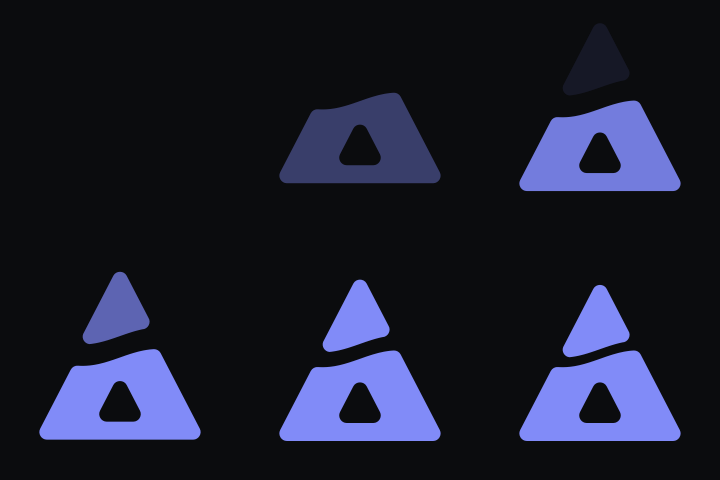 |
The dark twin is written by slot, not by hand. In the first draft each piece rose from below, and the peak passed through the base on its way up; the key frames showed it, so the pieces now settle from above.
Convert .json to .lottie
A .lottie file (dotLottie) is a zip with a manifest.json and the animation JSON. The skill converts with LottieFiles' official @dotlottie/dotlottie-js library and validates every file it writes:
D=.claude/skills/brand-assets/scripts/dotlottie.mjs
A=packages/<app>_asset/assets/animations
node $D pack design/motion/out/mark_reveal.json -o $A/mark_reveal.lottie
# wrote .../mark_reveal.lottie (1439 bytes; json 4750 bytes, 30%)
node $D pack design/motion/out/mark_reveal_dark.json -o $A/mark_reveal_dark.lottie
node $D info $A/mark_reveal.lottie{
"valid": true,
"manifest": {
"version": "2",
"generator": "@dotlottie/dotlottie-js@1.8.1",
"animations": [{ "id": "mark_reveal" }],
"initial": { "animation": "mark_reveal" }
}
}The .lottie is 30% of the JSON's size. Back to JSON, for editing or for a player that needs it:
node $D unpack $A/mark_reveal.lottie design/motion/outpack --v1 writes the older v1 layout (animations/<id>.json). The app reads both: the UI kit's asset widget renders .json and .lottie alike, and the asset generator prefers the .lottie when both exist.
| File | Size |
|---|---|
| mark_reveal.json | 4.6 KB |
| mark_reveal.lottie | 1.4 KB |
Check the frames
The agent renders the packed .lottie, the file that ships, and inspects key frames on both backgrounds and at display size:
python3 .claude/skills/brand-assets/scripts/preview.py $A/mark_reveal.lottie --px 240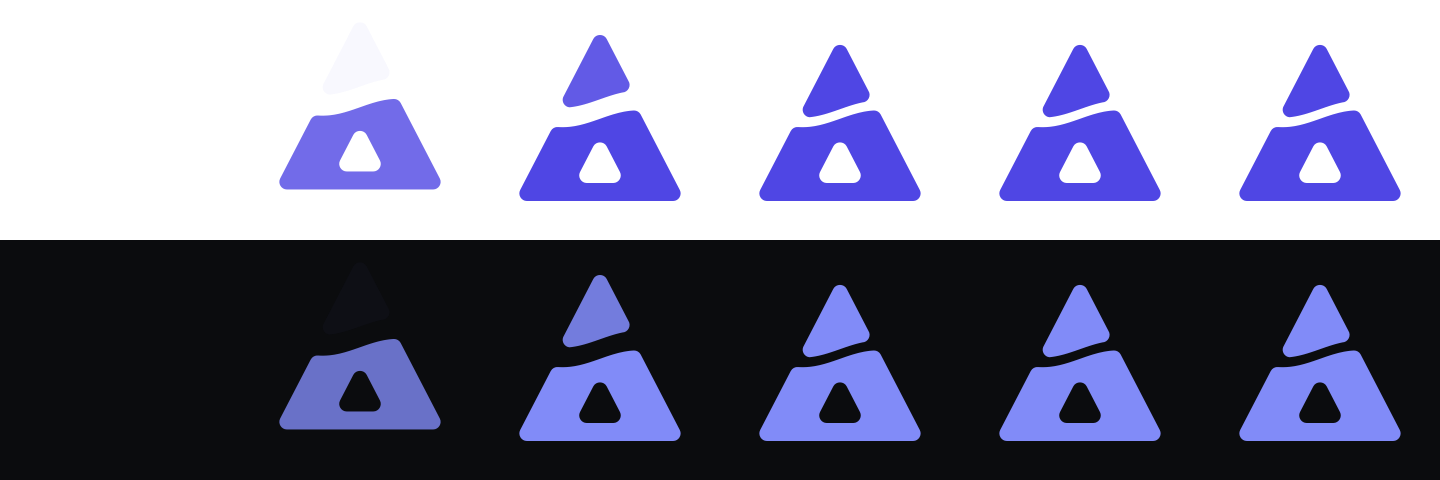
Wiring into the app
After the previews pass, the skill:
- Copies the shipped files into
packages/<app>_asset/assets/(icons/<category>/,illustrations/,logos/,animations/). A<name>_darkfile beside an asset is its dark variant. - Runs
dart run monorepo_toolkit asset-gen generatefor the type-safe asset enums, anddart run monorepo_toolkit assets optimizeto shrink the SVG and PNG files. - Adds a Widgetbook use case for each new asset, in light and dark.
- Runs
melos run analyze.
The full rules, including the craft floor and the festive-variant rules, are in .claude/skills/brand-assets/SKILL.md in your project.