

Monorepo Toolkit
Environment Sync
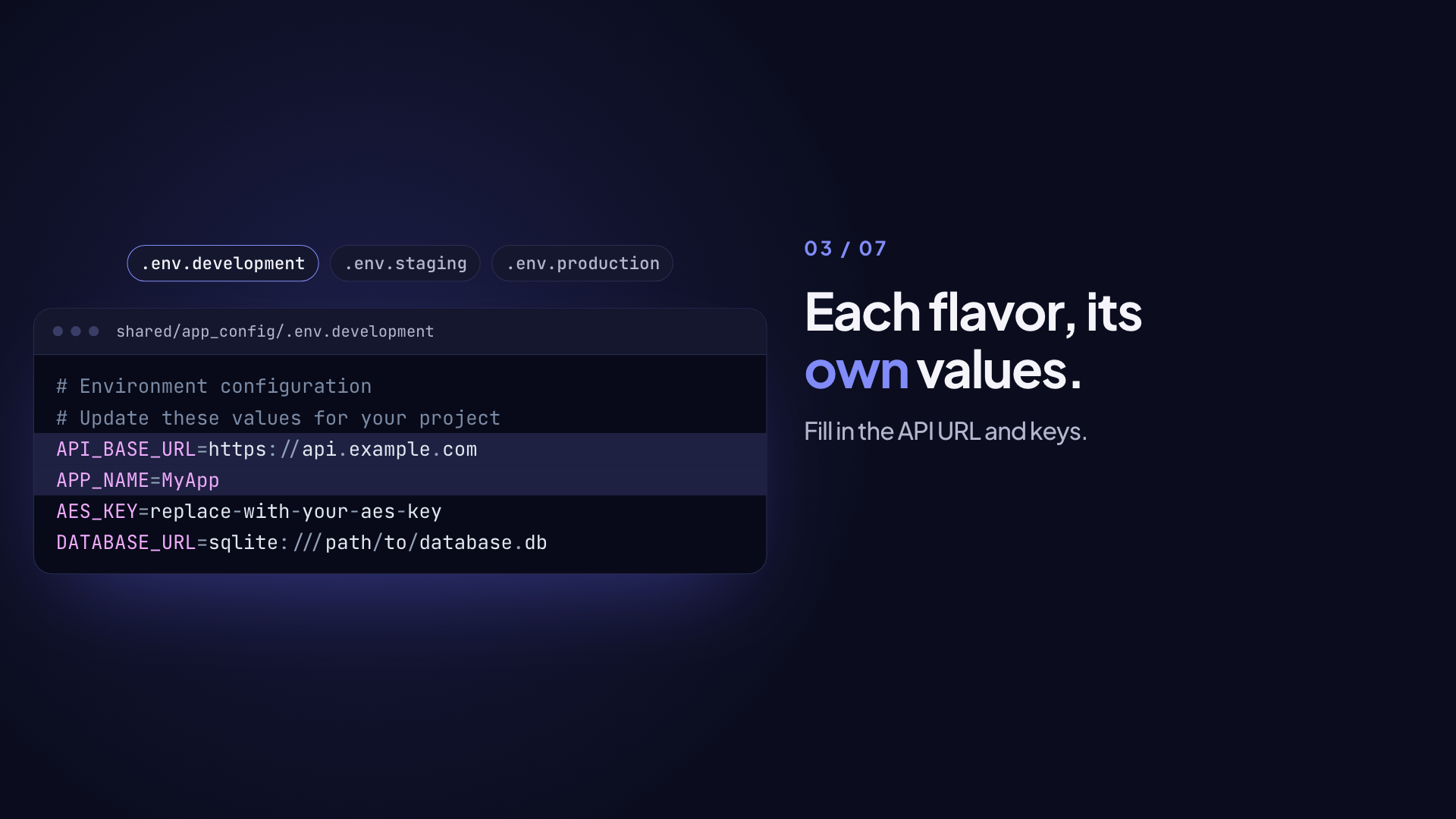
The env command manages environment variables across flavors in the shared/app_config package. It integrates with envied for type-safe, obfuscated, compile-time env var injection.
Architecture
shared/app_config uses a build-time flavor swap model:
shared/app_config/
  .env.development    # Source values for dev (gitignored — store in secret manager)
  .env.staging        # Source values for staging
  .env.production     # Source values for production
  .env                # ACTIVE — gitignored, written by env switch
  lib/src/env/
    env.dart          # Single @Envied(path: '.env') class
    env.g.dart        # Generated (obfuscated XOR-encoded values)
    app_env.dart      # Thin public wrapper delegating to Env
A single Env class reads from .env. Before each build, env switch <flavor> copies the correct .env.<flavor> file into .env. Only the active flavor's secrets are compiled into the binary — production builds never contain development or staging secrets.
This replaces the previous approach of three separate envied classes (EnvDevelopment, EnvStaging, EnvProduction), each reading from its own file and all compiled into every binary.
Subcommands
env init
Initializes the environment configuration structure in shared/app_config:
dart run monorepo_toolkit env init

# Specify initial variables (defaults to API_BASE_URL and AES_KEY)
dart run monorepo_toolkit env init --var API_BASE_URL --var AES_KEY --var SECRET| Flag | Abbr | Description |
|---|---|---|
--var | -v | Variable to include (repeatable). Defaults to the variables in .env.example, falling back to API_BASE_URL and AES_KEY |
--force | Regenerate env.dart/flavor.dart even if already initialized. Discards hand-added fields and doc comments |
This creates:
- Per-flavor
.env.<flavor>files (.env.development,.env.staging,.env.production) - A single
env.dartwith@Envied(path: '.env')reading from.env - Updates to the
FlavorStatusenum
env add
Adds a new environment variable to all flavor .env files the env.dart class and the AppEnv getters:
dart run monorepo_toolkit env add API_SECRETVariable names must start with an uppercase letter and contain only uppercase letters, numbers, and underscores (e.g., API_KEY, DATABASE_URL, SECRET_123).
This:
- Appends the variable to each
.env.<flavor>file - Adds the corresponding
@EnviedFieldannotation toenv.dart - Adds the matching
AppEnvgetter toapp_env.dart(skipped when that file is absent)
You then fill in the actual values per flavor:
# .env.development
API_SECRET=dev_secret_key

# .env.staging
API_SECRET=staging_secret_key

# .env.production
API_SECRET=production_secret_key
After filling in values, run env switch <flavor> and then code generation.
The whole path, from the command to a field you can read:
# Environment configuration for development# …FLAGR_BASE_URL=https://dev-flagr.example.com@Envied(path: '.env', obfuscate: true, useConstantCase: true)abstract final class Env() { // … /// The Flagr server base URL. @EnviedField() static final String flagrBaseUrl = _Env.flagrBaseUrl;}env sync
Brings the env config in line with the flavors defined in flavors.yaml:
dart run monorepo_toolkit env syncRun this after adding or removing a flavor in flavors.yaml.
It:
- Rewrites the
FlavorStatusenum inflavor.dart, only when its flavors differ from the list. The rewrite replaces the whole file - Creates a missing
.env.<flavor>file with placeholder values - Appends each key from
.env.exampleandenv.dartthat a.env.<flavor>file lacks, with a placeholder value - Adds missing
env.dartfields, asenv adddoes
It does not change existing values, env.dart fields or their doc comments, or the active .env.
The flavor list comes from defaults.default_flavors in flavors.yaml. If that key is missing, the flavors list of the first app is used.
env switch
Copies .env.<flavor> to .env so that build_runner picks up the correct secrets for the requested flavor.
Synopsis:
dart run monorepo_toolkit env switch <flavor>Options:
| Option | Description |
|---|---|
--app-config-path | Path to shared/app_config (default: shared/app_config) |
--if-missing | Only write .env if it does not exist yet, and treat a missing .env.<flavor> as a no-op. Safe for unattended use |
melos bootstrap runs env:ensure afterwards, which is env switch development --if-missing, so a fresh clone can run code generation without a manual copy.
Examples:
dart run monorepo_toolkit env switch development
dart run monorepo_toolkit env switch staging
dart run monorepo_toolkit env switch production

# Custom app_config location
dart run monorepo_toolkit env switch production --app-config-path path/to/app_config
Output:
✓ Switched env to: development
  shared/app_config/.env.development -> shared/app_config/.env
Next: dart run build_runner build (regenerate env.g.dart)
Error cases:
- Missing flavor argument →
Usage: env switch <flavor>(exit 64) .env.<flavor>file not found → error + list of available flavors (exit 1)
Full Build Workflow
# 1. Select the active flavor
dart run monorepo_toolkit env switch development

# 2. Regenerate obfuscated Dart code from .env
dart run build_runner build --delete-conflicting-outputs

# 3. Build
flutter build apk --flavor development
Adding Environment Variables
- Add
@EnviedField()toenv.dartand theAppEnvgetter (or runenv add MY_VARto do both automatically) - Add the placeholder to all
.env.<flavor>files:MY_VAR=placeholder - Fill in actual values per flavor
- Run
dart run monorepo_toolkit env switch <current_flavor> - Run
dart run build_runner build --delete-conflicting-outputs
Integration with envied
env.dart uses @Envied(path: '.env', obfuscate: true). After env switch + build_runner, the generated env.g.dart contains XOR-encoded values — the plaintext secrets are never present in the compiled binary.
@Envied(path: '.env', obfuscate: true, useConstantCase: true)
abstract final class Env {
  @EnviedField()
  static final String apiBaseUrl = _Env.apiBaseUrl;

  @EnviedField()
  static final String aesKey = _Env.aesKey;
}
Access values through AppEnv in application code:
final baseUrl = AppEnv.apiBaseUrl;CI Integration
Add these steps before the Flutter build step in your CI workflow:
GitHub Actions:
- name: Switch env flavor
  run: dart run monorepo_toolkit env switch ${{ env.FLAVOR }}

- name: Generate env code
  run: dart run build_runner build --delete-conflicting-outputs
  working-directory: shared/app_config

- name: Build APK
  run: flutter build apk --flavor ${{ env.FLAVOR }}
  working-directory: apps/your_app
Fastlane (the generated Fastfile does not do this for you, add it to before_all if you build locally with Fastlane):
before_all do |lane, options|
  flavor = options[:flavor] || 'development'
  sh("dart run monorepo_toolkit env switch #{flavor}")
  sh("dart run build_runner build --delete-conflicting-outputs",
     chdir: "shared/app_config")
end
Security Model
.envis always gitignored — it contains the active flavor's plaintext secrets..env.<flavor>files should be gitignored and stored in a secret manager (e.g., GitHub Secrets, 1Password) for production/staging.env.g.dartcontains obfuscated values — committing it is acceptable; teams can also regenerate it in CI.- Production binaries compiled with
env switch productionwill never contain development or staging secrets.
Melos shortcuts
melos run env:init             # Initialize env config
melos run env:add              # Add env variable (pass var name after --)
melos run env:sync             # Sync flavor enum
melos run env:switch -- <flavor>  # Activate flavor (.env := .env.<flavor>)
melos run env:ensure           # Seed .env from .env.development if missing (runs after bootstrap)
melos run env:generate         # Generate envied code